
Social leave request
Process purpose and use cases
This process is used to formalize an employee's social leave. It applies in the following cases:
- When long-term leave is needed due to health reasons
- When leave is required for family reasons (e.g., childcare, caring for a close relative)
- When social leave is needed based on other legal grounds
This process is used to protect employees' legal rights and to officially document the leave.
How can I initiate the Social leave request process in the DMS system?
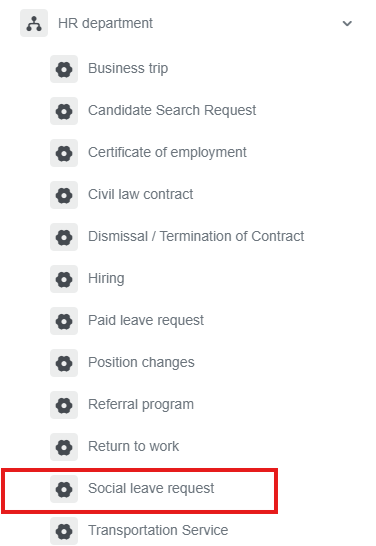
1. Go to dms.sdu.edu.kz, navigate to the "Start Process" section, and proceed to HR Department ➝ Social leave request process.
2. 1) If you hold a managerial position, leaving a Delegation is mandatory.
2) Select the required time period.
3) Choose the reason for taking social leave.
4) When you click the "Add" button, a new window will open, where academic staff members must register their class schedule.
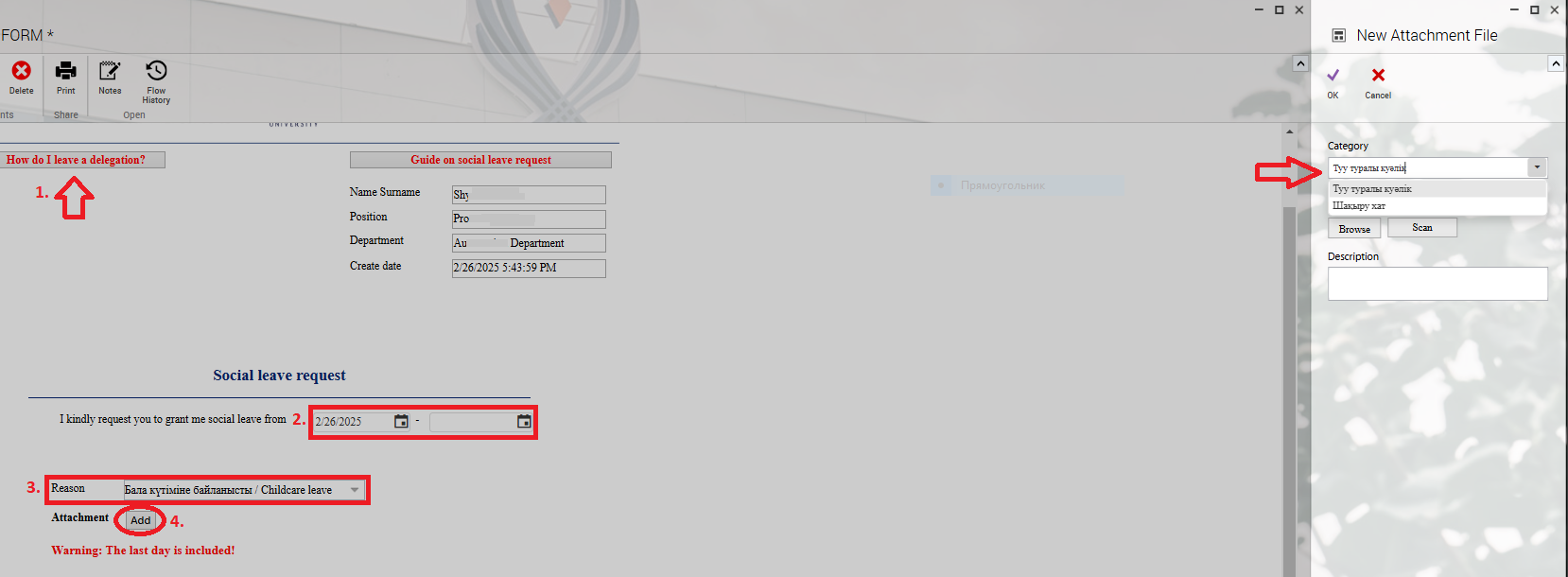
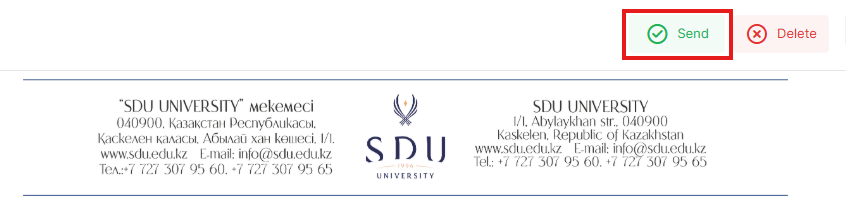
3. Once the required information is provided, click the "Send" button.
Process guidelines
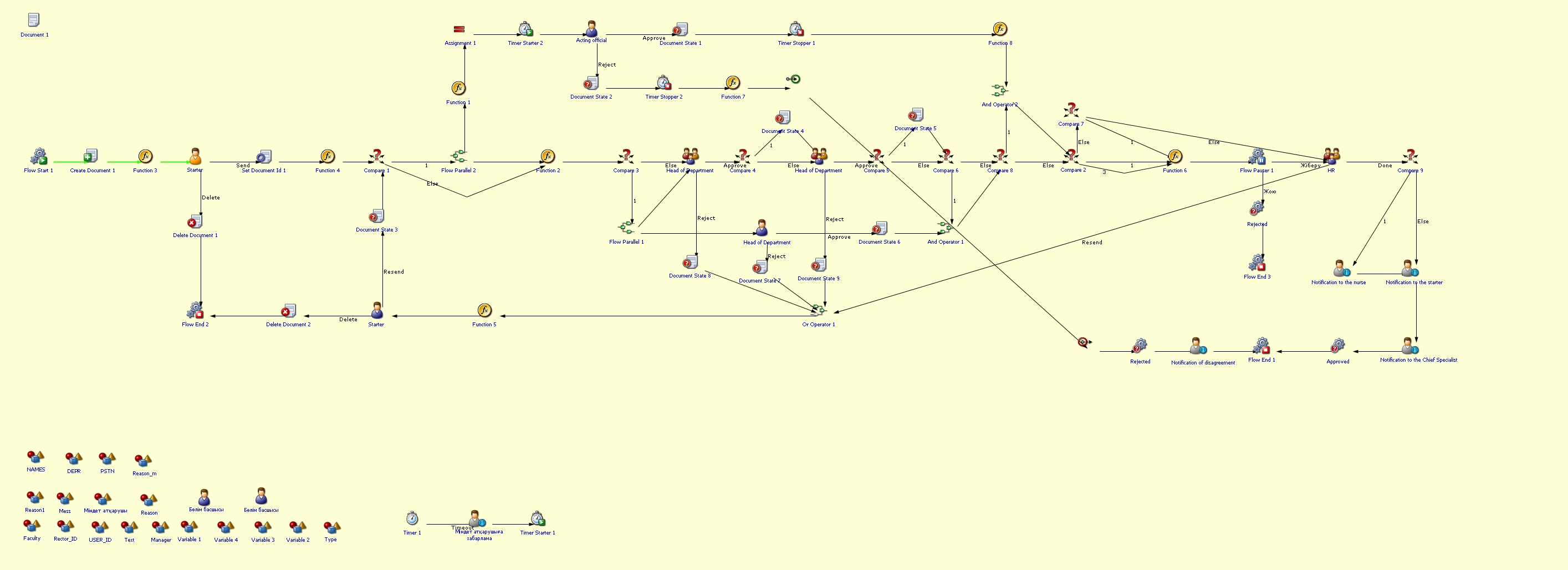
You can view the process workflow in the section below.
For all inquiries, you can submit a request through helpdesk.sdu.edu.kz ➝ "Submit a ticket" ➝ "BPM" or contact us via email at dms@sdu.edu.kz!
No comments to display
No comments to display