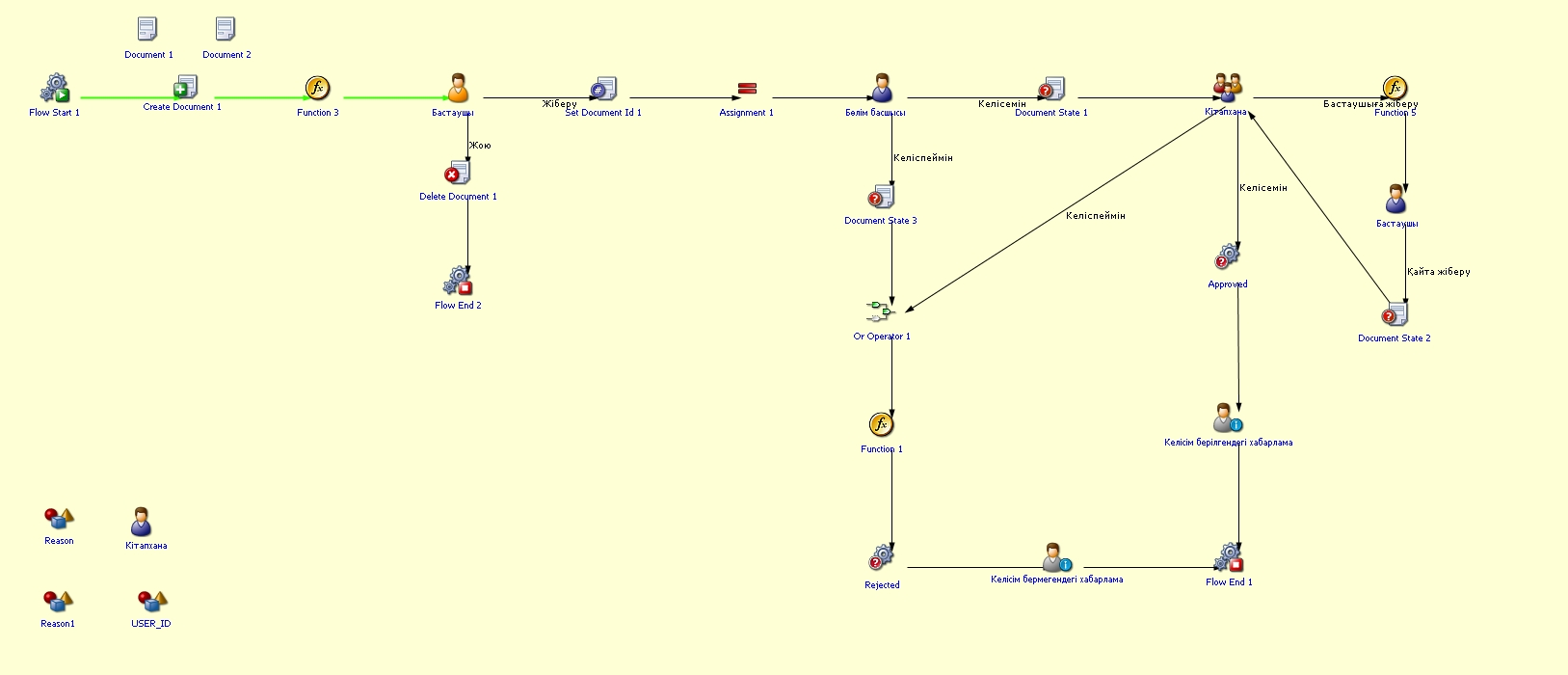
Textbook request
Process purpose and useusage casesscenarios
This process is used by instructors and departments to purchase or order textbooks required for the academic process. It is applied in the following cases:
Advance planning of textbooks required for the new academic year
Purchasing textbooks that are not available in the existing library collection
Ordering updated or revised editions of textbooks
How can I initiate the Textbook request process in the BPM system?
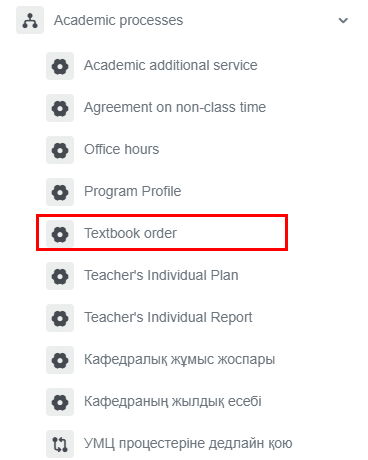
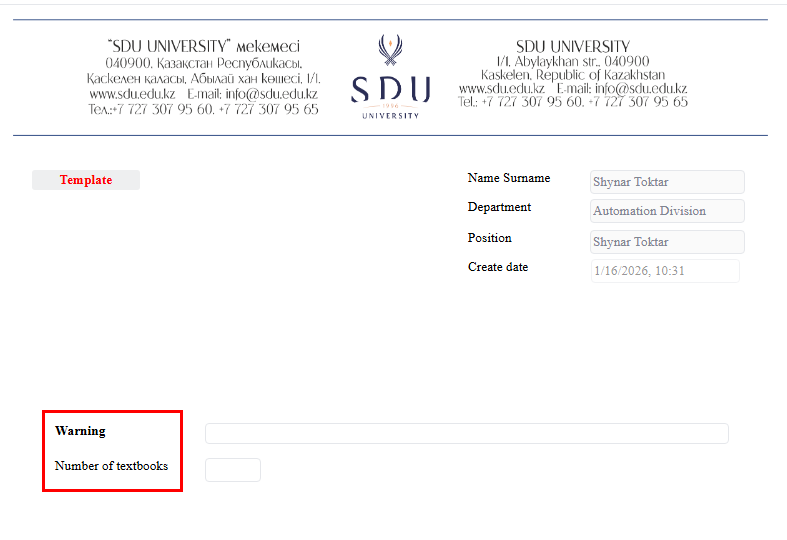
2. All fields must be filled in.
2.
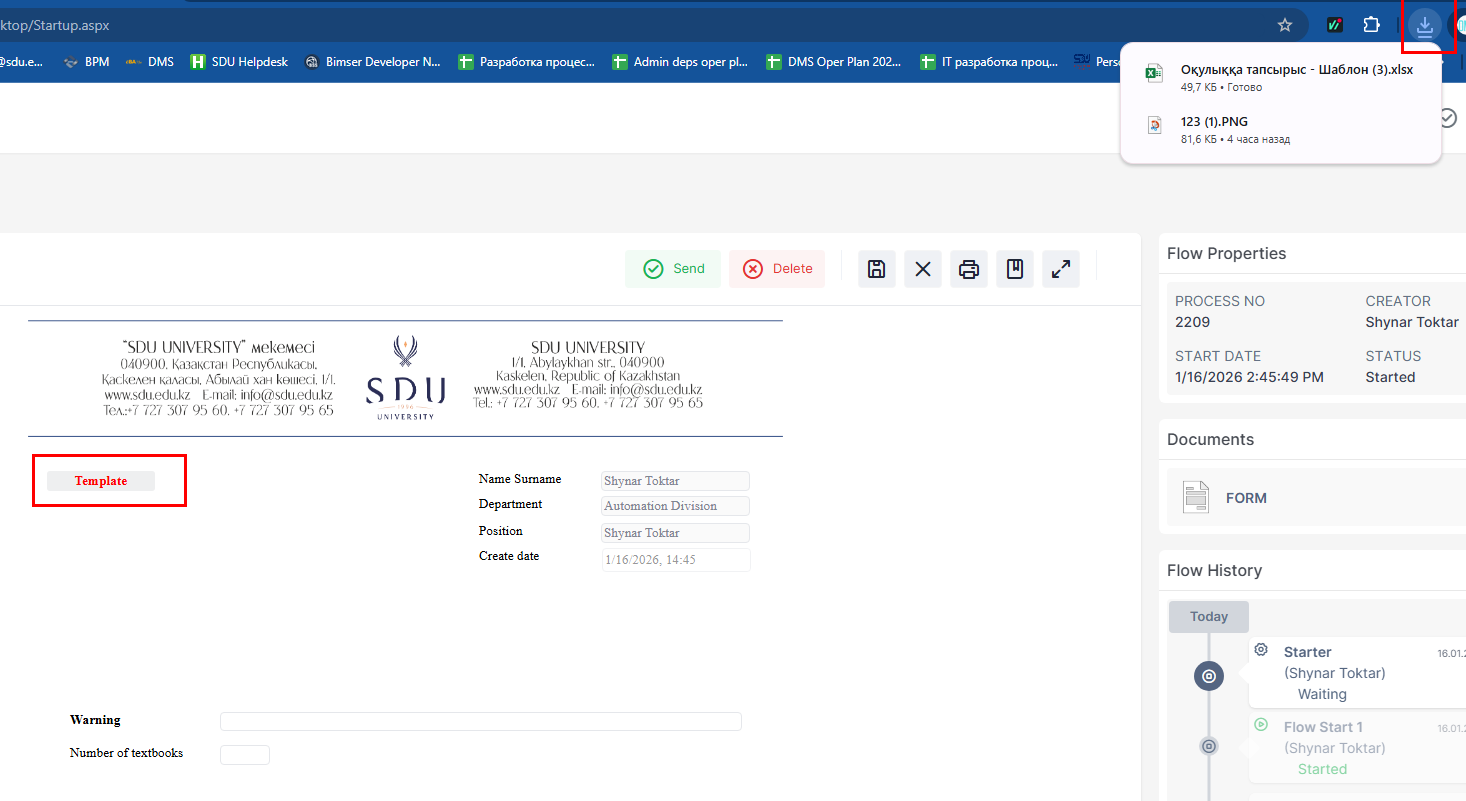
3. IfWhen youthe select“Add” "button Dois notclicked, schedulea classesnew "window slotsopens where two categories on the left can be selected: template and invoice for payment.
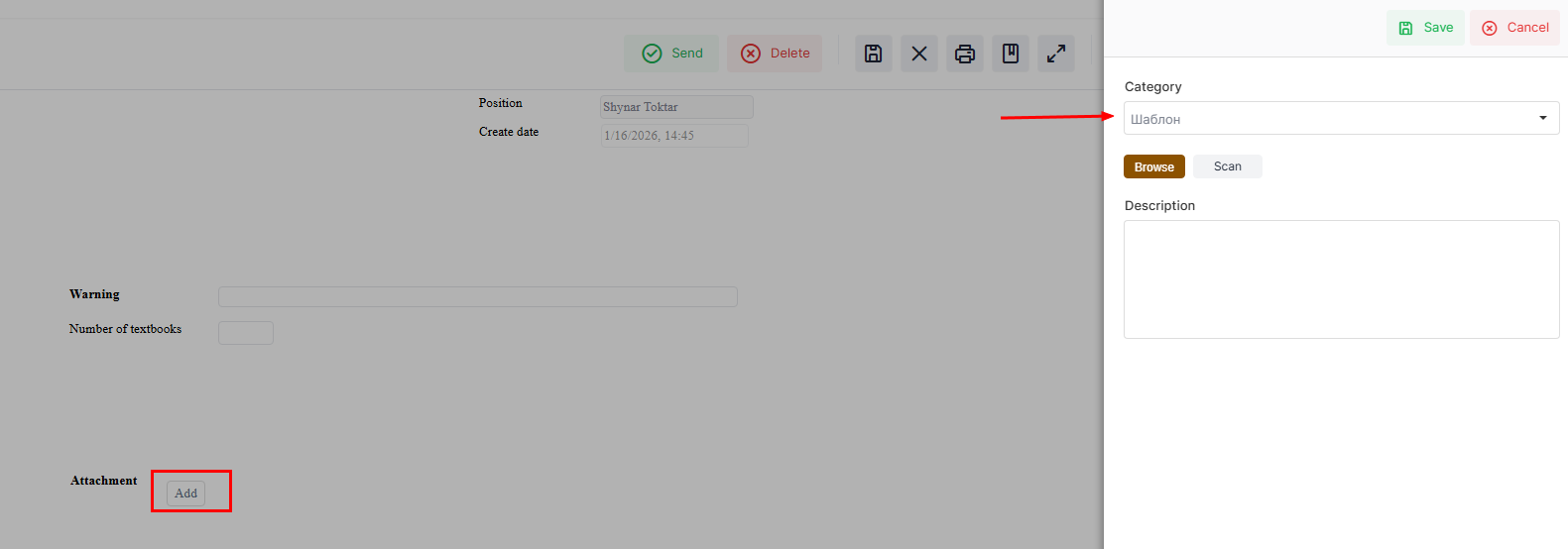
4. To fill in the schedule,template, they can be marked. (2) Also, if " Do not schedule classes " is selected, don't forget to specifyclick the reasonsbutton and comments aton the bottomleft side of the schedule.form. After clicking the button, the template will be downloaded. Then you can open the template from the downloaded files and fill it in.
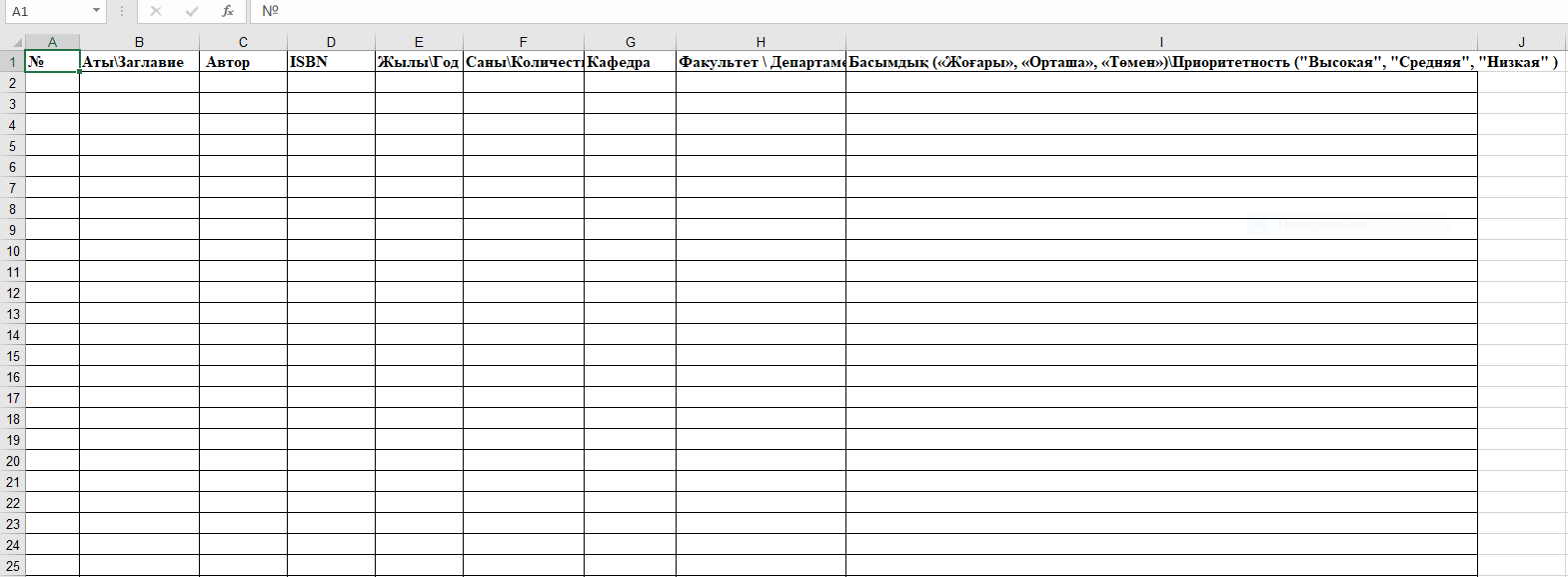
3.5. This is a sample of the template. Make sure to fill in all the required columns and upload it as an attachment.
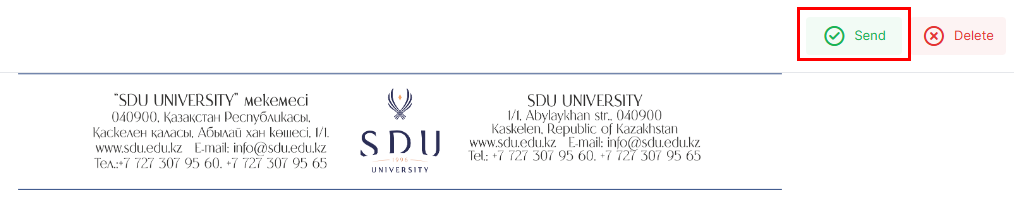
6. Once the required information is provided, click the "Submit / Жіберу" button.
Process guidelines