
Scholarship assignment
Process purpose and use cases
How can I initiate the Scholarship assignment process in the BPMDMS system?
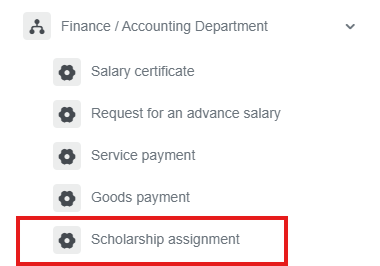
1. Go to dms.sdu.edu.kz, navigate to the "Start Process" section, and proceed to Finance / Accounting Department ➝ Scholarship assignment process.
2. Select the advance amount.
3. Once the required information is provided, click the "Send" button.
Process guidelines
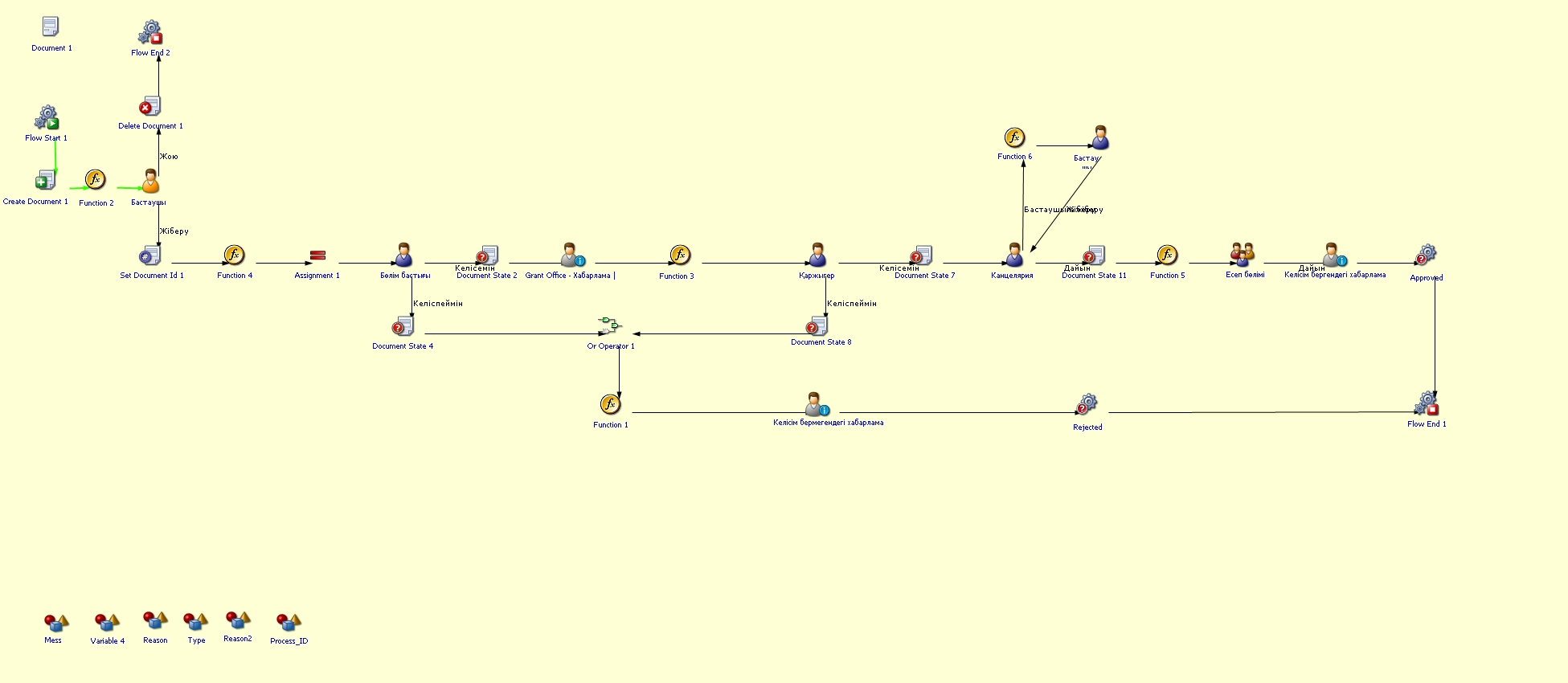
You can view the process workflow in the section below.
For all inquiries, you can submit a request through helpdesk.sdu.edu.kz ➝ "Submit a ticket" ➝ "BPM" or contact us via email at dms@sdu.edu.kz!