
Proposal/Official Letter
Process purpose and use cases:
This process is used for submitting proposals or sending official letters within the organization. It is typically applied in the following cases:
- Submitting a proposal to the organization's management
- Approving internal documents
- Exchanging official correspondence with other structural units
How can I initiate the Proposal/Official Letter process in the DMS system?
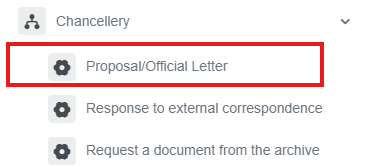
1. Go to dms.sdu.edu.kz, navigate to the "Start Process" section, and proceed to Chancellery ➝ Proposal/Official Letter process.
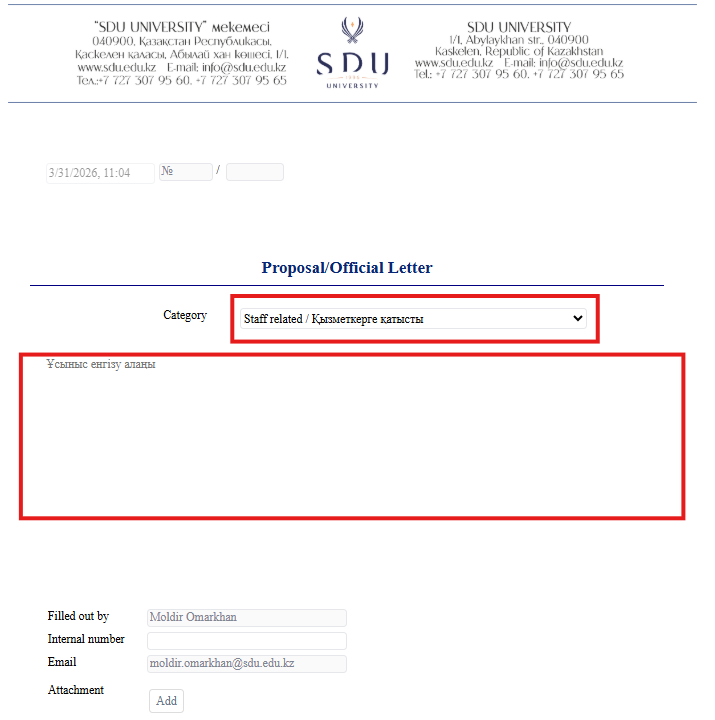
2. 1) FirstЕң ofалдымен, all,пайдаланушы userресми need to select theхаттың categoryкатегориясын таңдауы ofтиіс. officialСанаттар: letter.«Қызметкерлерге Categories are :қатысты» (Staff relatedrelated) orнемесе other)«Басқа» (Other).
2) AccordingТаңдалған toсанатқа theсәйкес categoryжаңа theхат newүлгілері templates will be opened.ашылады.
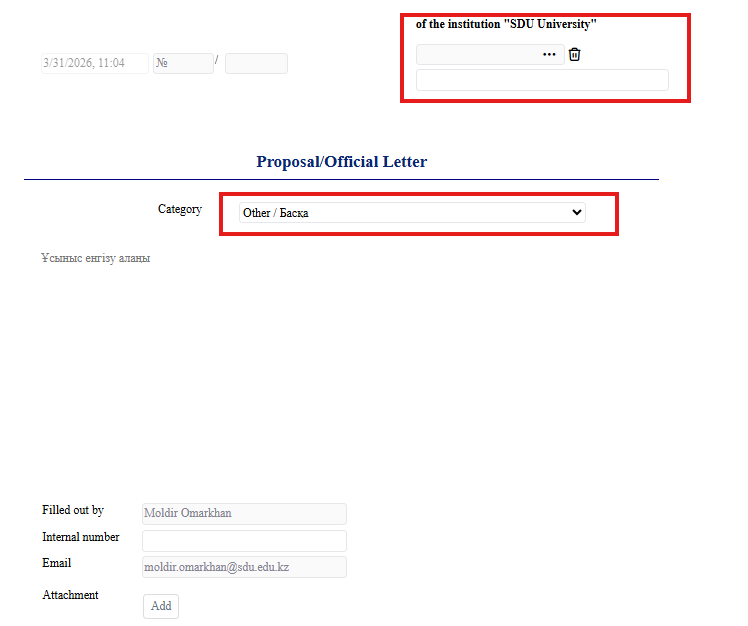
3) IfЕгер you select categoryсіз "Other"«Басқа», it'sкатегориясын mandatoryтаңдасаңыз, toхат selectжолданатын theтиісті RectorРектoрды orнемесе Vice-rectorПроректорды toміндетті whomтүрде willкөрсетуіңіз be written letter. қажет.
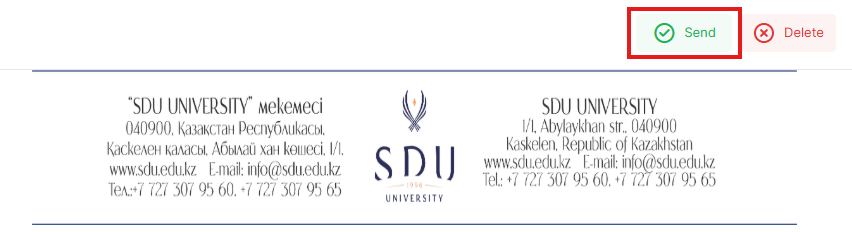
3. Once the required information is provided, click the "Send" button.
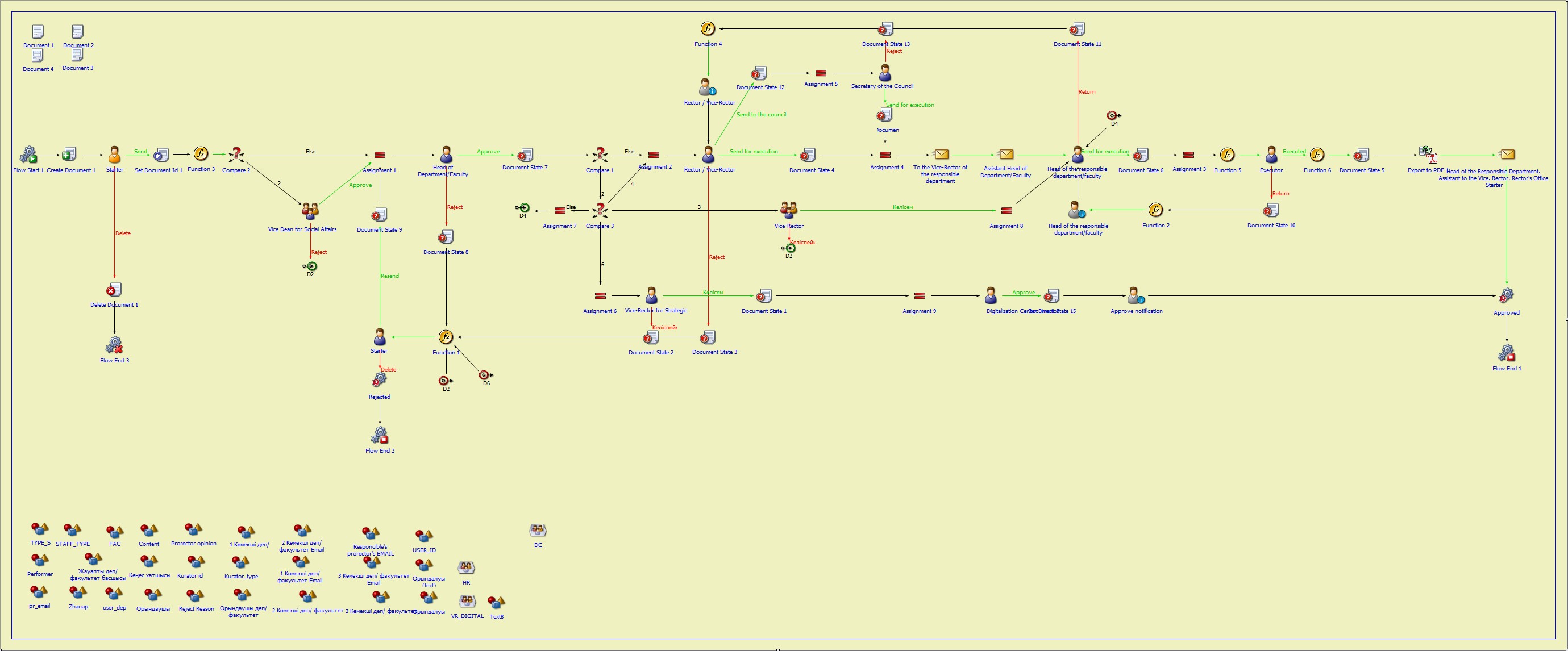
Process guidelines
You can view the process workflow in the section below.
For all inquiries, you can submit a request through helpdesk.sdu.edu.kz ➝ "Submit a ticket" ➝ "BPM" or contact us via email at dms@sdu.edu.kz!