
Proposal/Official Letter
Process purpose and use cases:
This process is used for submitting proposals or sending official letters within the organization. It is typically applied in the following cases:
- Submitting a proposal to the organization's management
- Approving internal documents
- Exchanging official correspondence with other structural units
How can I initiate the Proposal/Official Letter process in the DMS system?
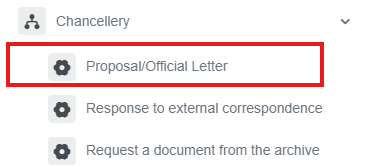
1. Go to dms.sdu.edu.kz, navigate to the "Start Process" section, and proceed to Chancellery ➝ Proposal/Official Letter process.
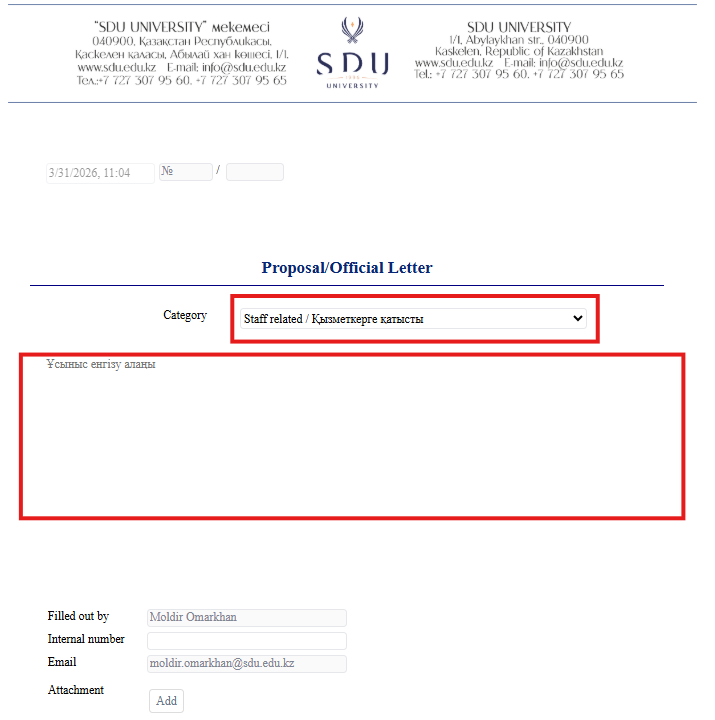
2. 1) AfterFirst clickingof theall, button,user youneed canto select the Rector and Vice-Rectorscategory of "SDUofficial University"letter. fromCategories theare list: in(Staff therelated openedor window.other).
2) FillAccording into the requiredcategory fields.the new templates will be opened.
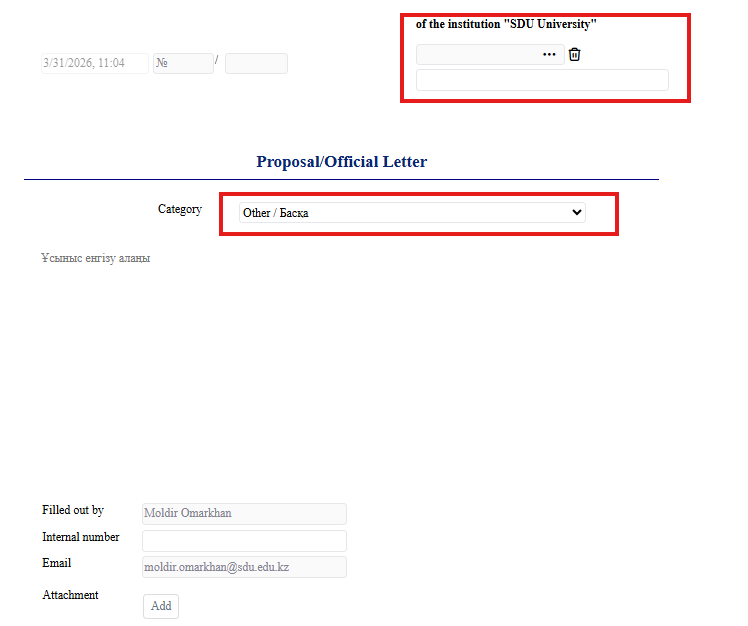
3) ClickIf you select category "Other", it's mandatory to select the "Add"Rector buttonor Vice-rector to openwhom awill newbe windowwritten whereletter. you can attach the necessary document.
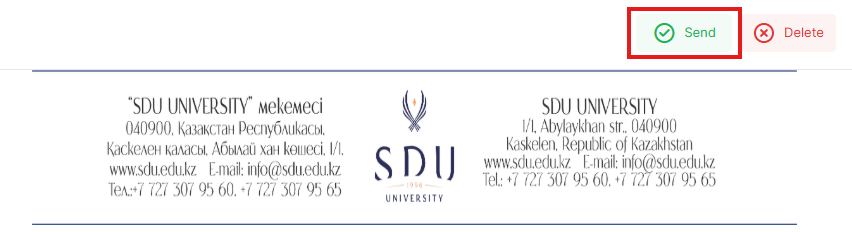
3. Once the required information is provided, click the "Send" button.
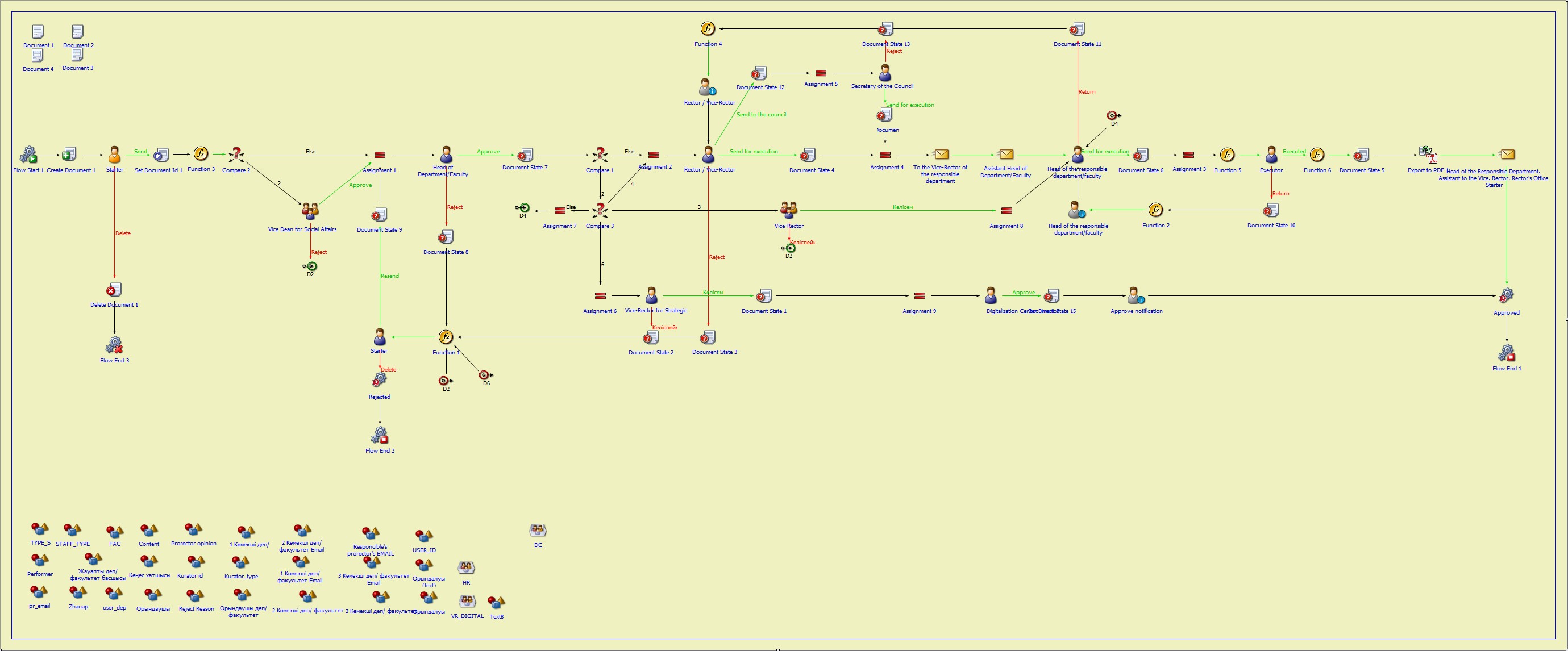
Process guidelines
You can view the process workflow in the section below.
For all inquiries, you can submit a request through helpdesk.sdu.edu.kz ➝ "Submit a ticket" ➝ "BPM" or contact us via email at dms@sdu.edu.kz!