
Program profile
Process purpose and use cases
This process is used to approve the structure and content of the educational program (Program Profile).
It is used in the following case:
- Development or approval of a new educational program
How can I initiate the Program profile process in the BPM system?
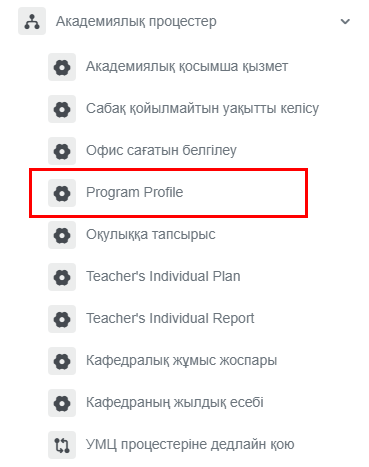
1. Go to bpm.sdu.edu.kz, navigate to the "Start Process" section, and proceed to Academic processes ➝ Program profile process.
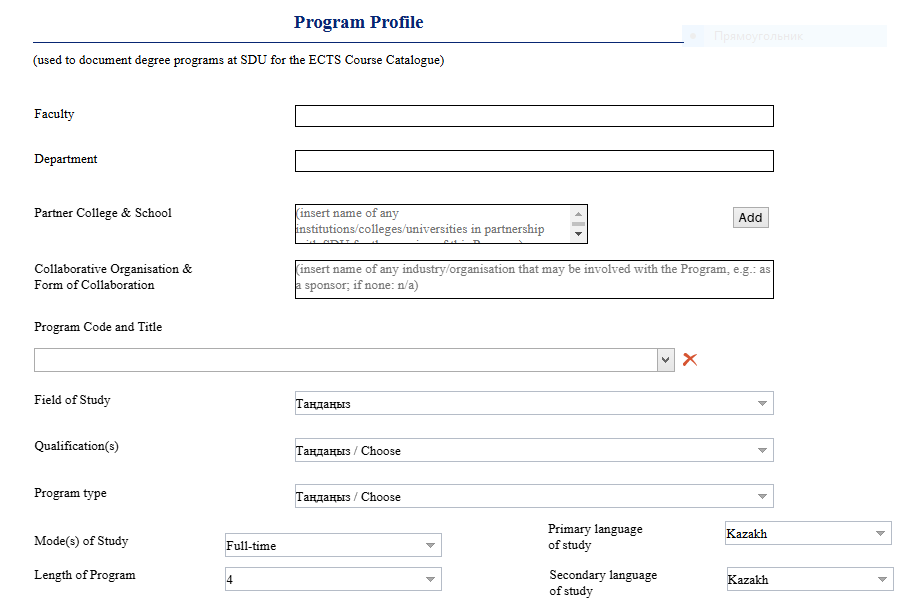
2. All columns in the table must be filled in. If necessary, you can add new columns or remove unnecessary ones.
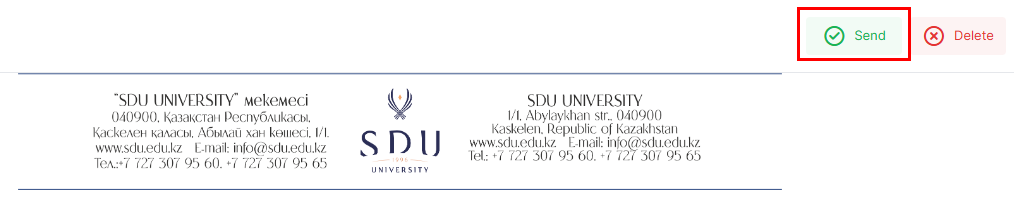
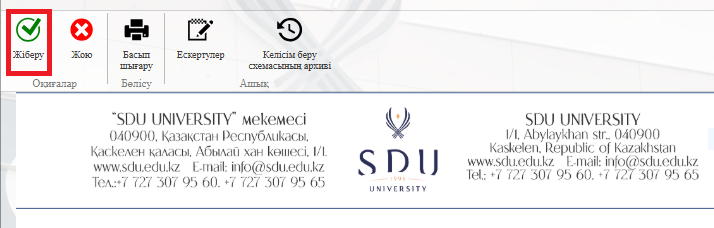
3. Once the required information is provided, click the "Submit / Жіберу" button.
Process guidelines
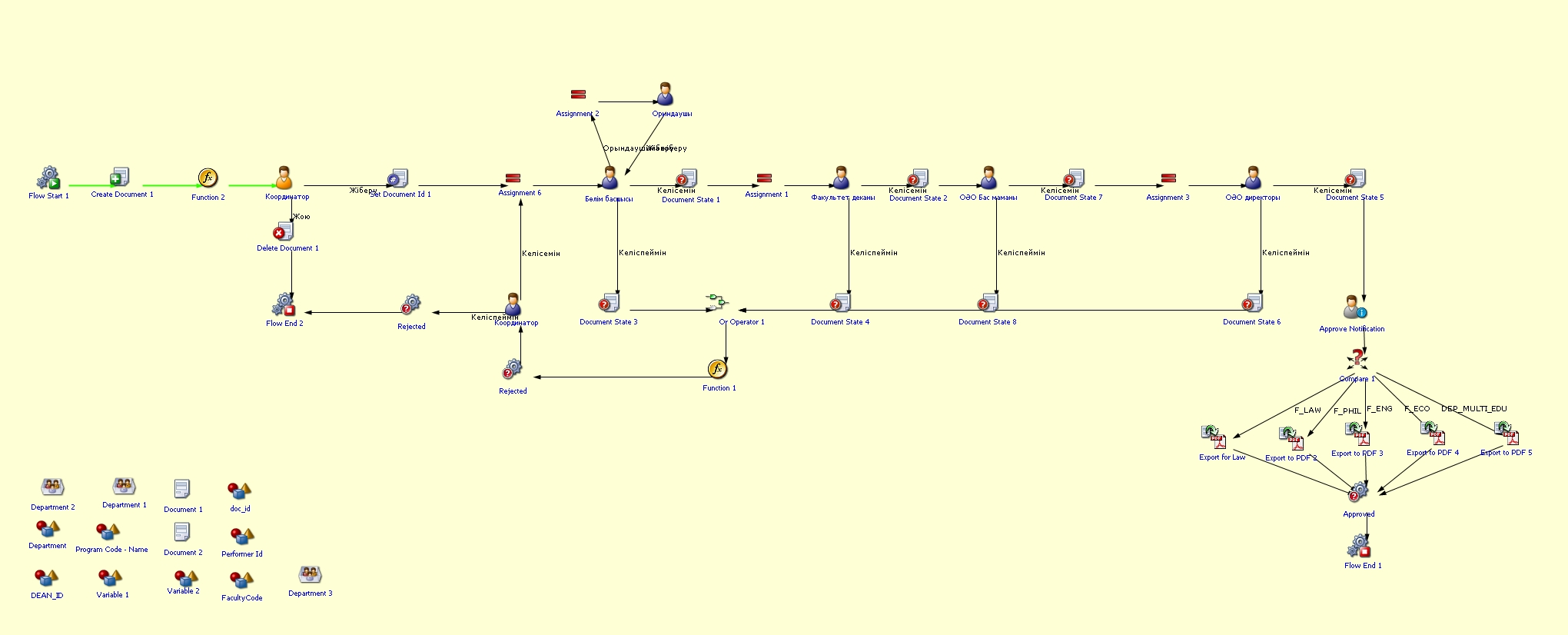
You can view the process workflow in the section below.
For all inquiries, you can submit a request through helpdesk.sdu.edu.kz ➝ "Submit a ticket" ➝ "BPM" or contact us via email at dms@sdu.edu.kz!