
Hall request
Process purpose and use cases
This process is used for booking halls within the university premises. It applies in the following cases:
- Organizing a meeting, conference, or event
- Scheduling a class or training session
- Reserving a hall for official meetings
How can I initiate the hall request process in the BPM system?
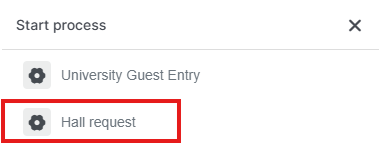
1. Go to bpm.dms.sdu.edu.kz, navigate to the "Start Process" section, and select the "Hall Request" process.
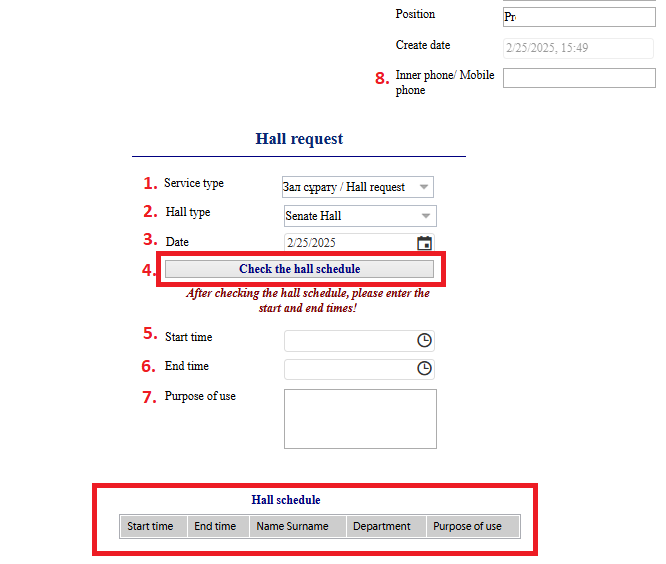
2. Fill in the required fields:
1) Select the service type: hall request or hall cancellation.
2) Choose the hall type.
3) Select the date.
4) Click the "Check availability" button to view the available time slots.
5) If your desired time slot is available, enter the start and end times, along with the purpose of use.
8) Enter your internal or personal mobile phone number (mandatory).
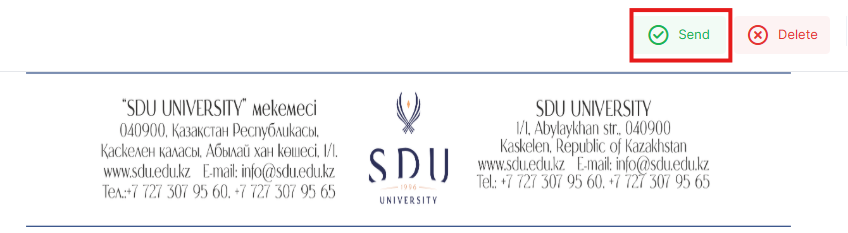
3. Once the required information is provided, click the "Send" button.
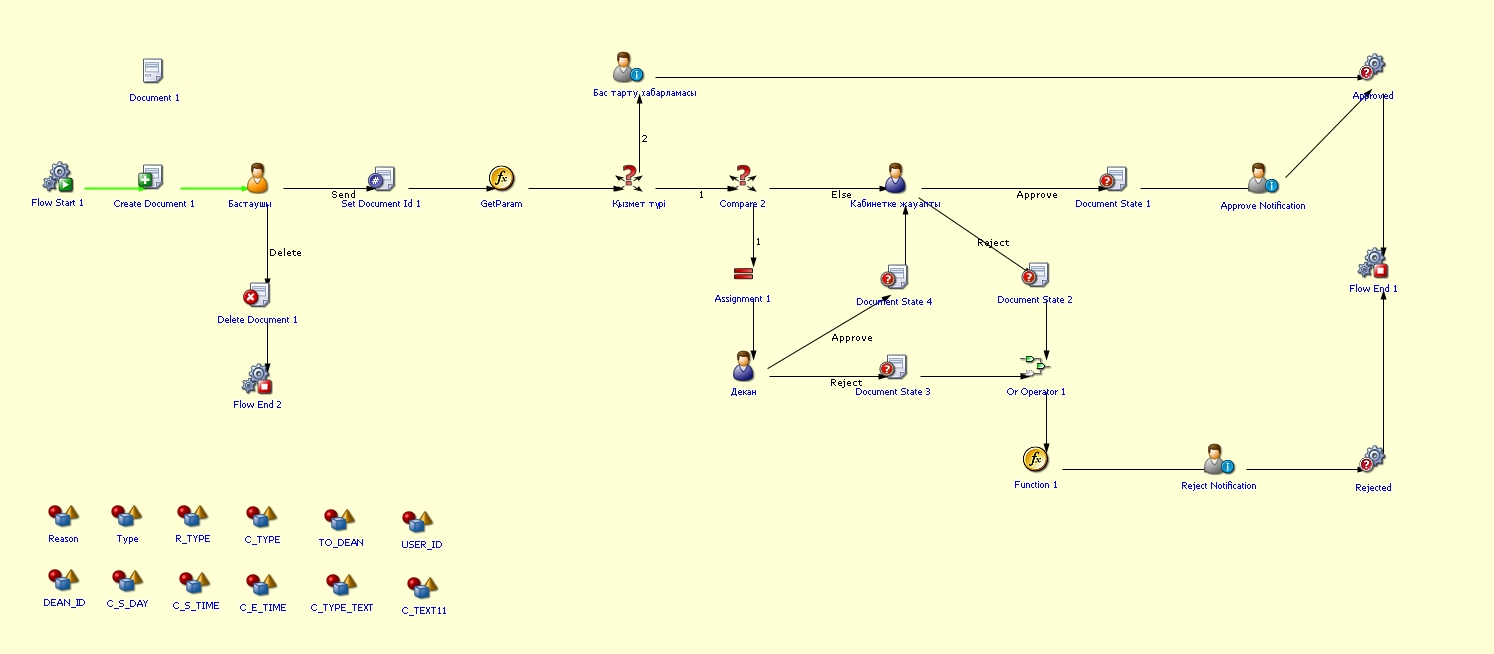
Process guidelines
You can view the process workflow in the section below.
For all inquiries, you can submit a request through helpdesk.sdu.edu.kz ➝ "Submit a ticket" ➝ "BPM" or contact us via email at dms@sdu.edu.kz!