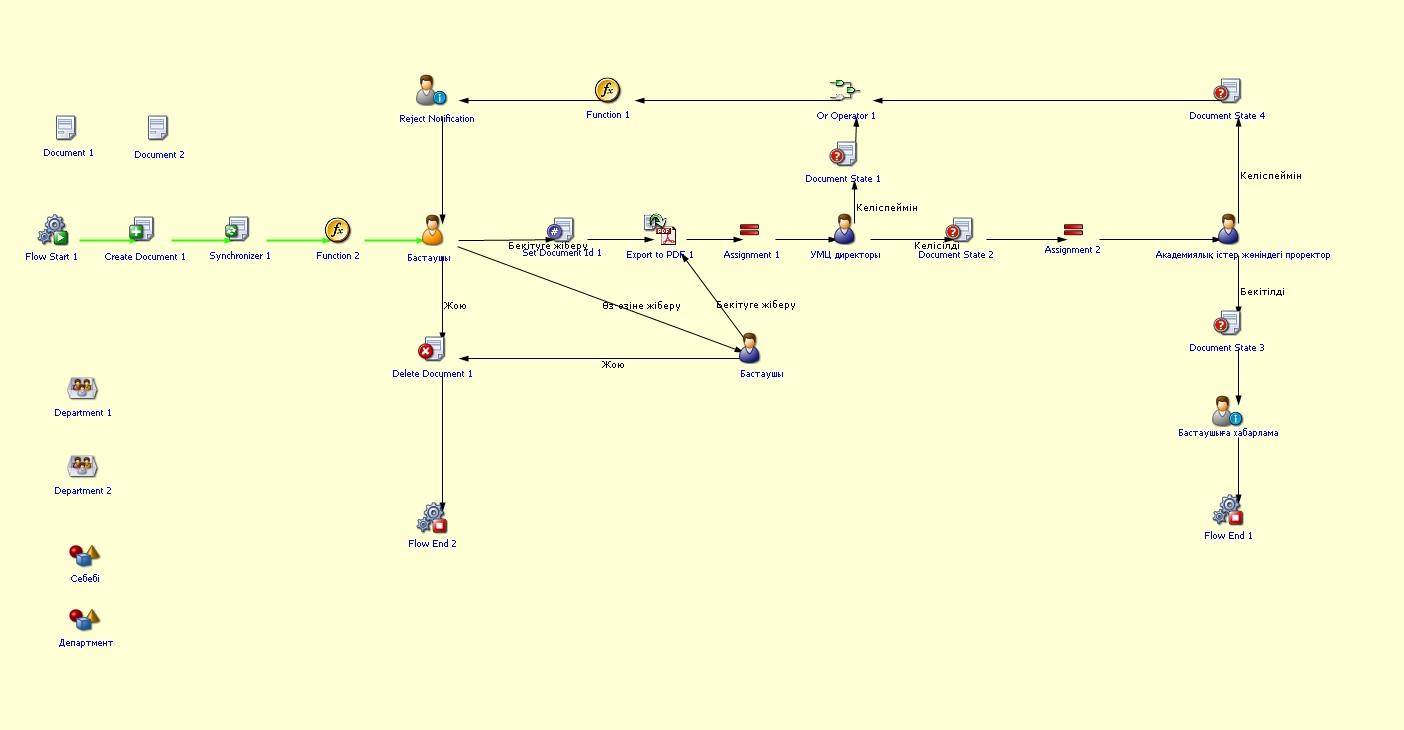
Department's annual report
Process purpose and use cases
Monitoring the implementation of the annual plan
Conducting analysis of the department’s activities
Reporting to the university administration
Defining the department’s future plans
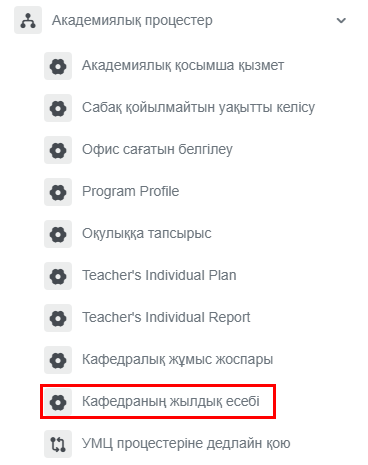
How can I initiate the Department's annual report process in the BPM system?
2. (1)The Ifplan you selectfilled "in Doat notthe schedulebeginning classesof "the slotsacademic year will be automatically displayed in the schedule,table. theyYou can beenter marked.information (2) Also, if " Do not schedule classes " is selected, don't forget to specifyabout the reasonscurrent and comments at the bottomstatus of the schedule.plan’s implementation and add comments.
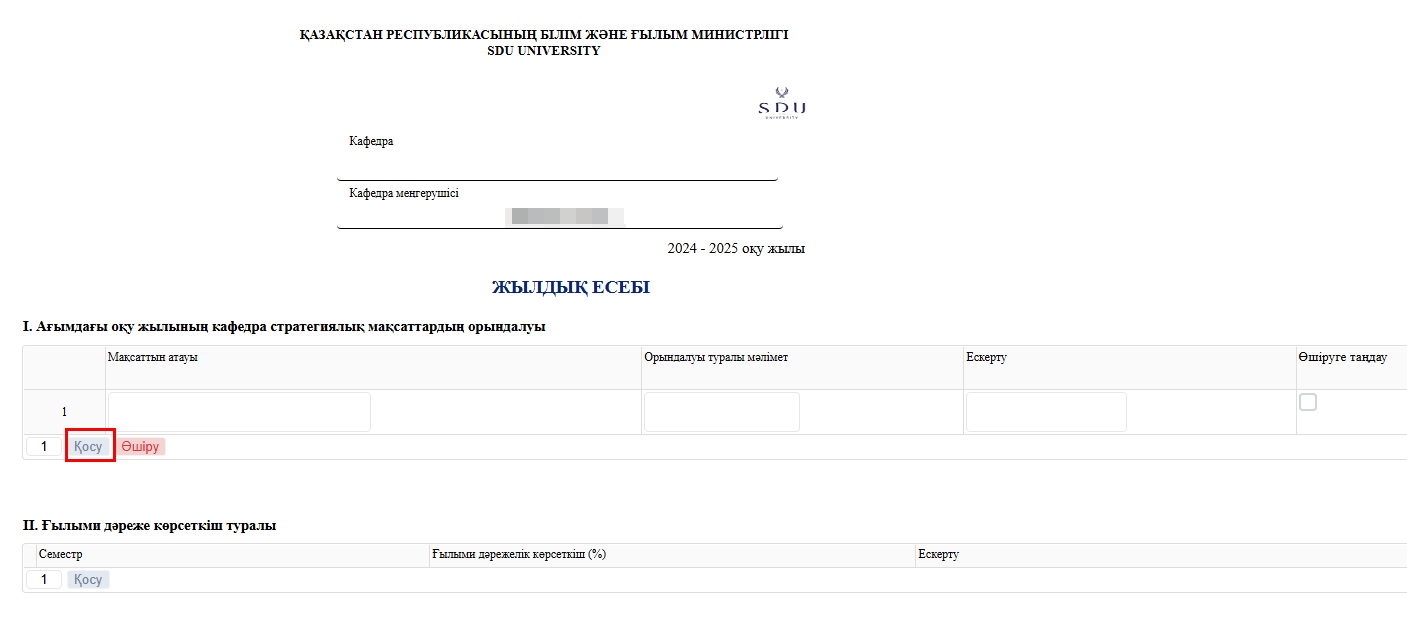
3. Once3. After entering the required informationinformation, isyou provided,can clickuse the "Submit“Submit” /button Жіберу"to button.choose whether to send it to yourself or for approval. You can also leave a brief analysis of the report.
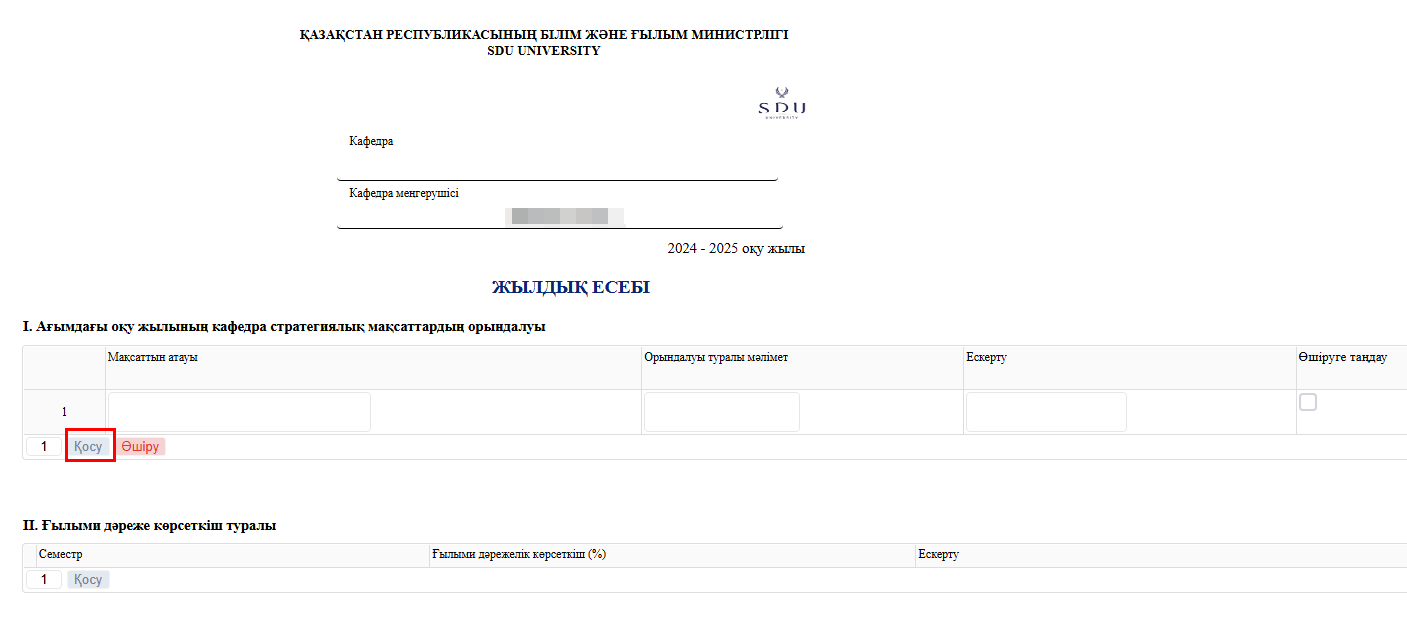
Process guidelines