
Department's annual report
Process purpose and use cases
How can I initiate the Department's annual report process in the BPM system?
1. Go to bpm.sdu.edu.kz, navigate to the "Start Process" section, and proceed to Academic processes ➝ Кафедраның жылдық есебі / Department's annual report process.
2. (1) If you select " Do not schedule classes " slots in the schedule, they can be marked.
(2) Also, if " Do not schedule classes " is selected, don't forget to specify the reasons and comments at the bottom of the schedule.
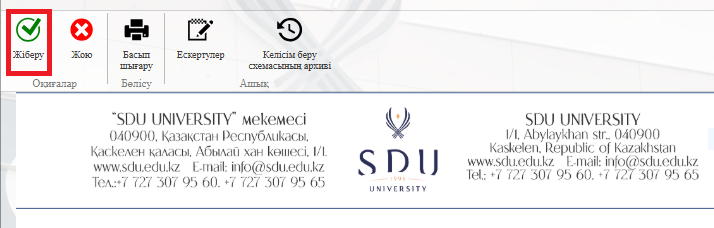
3. Once the required information is provided, click the "Submit / Жіберу" button.
Process guidelines
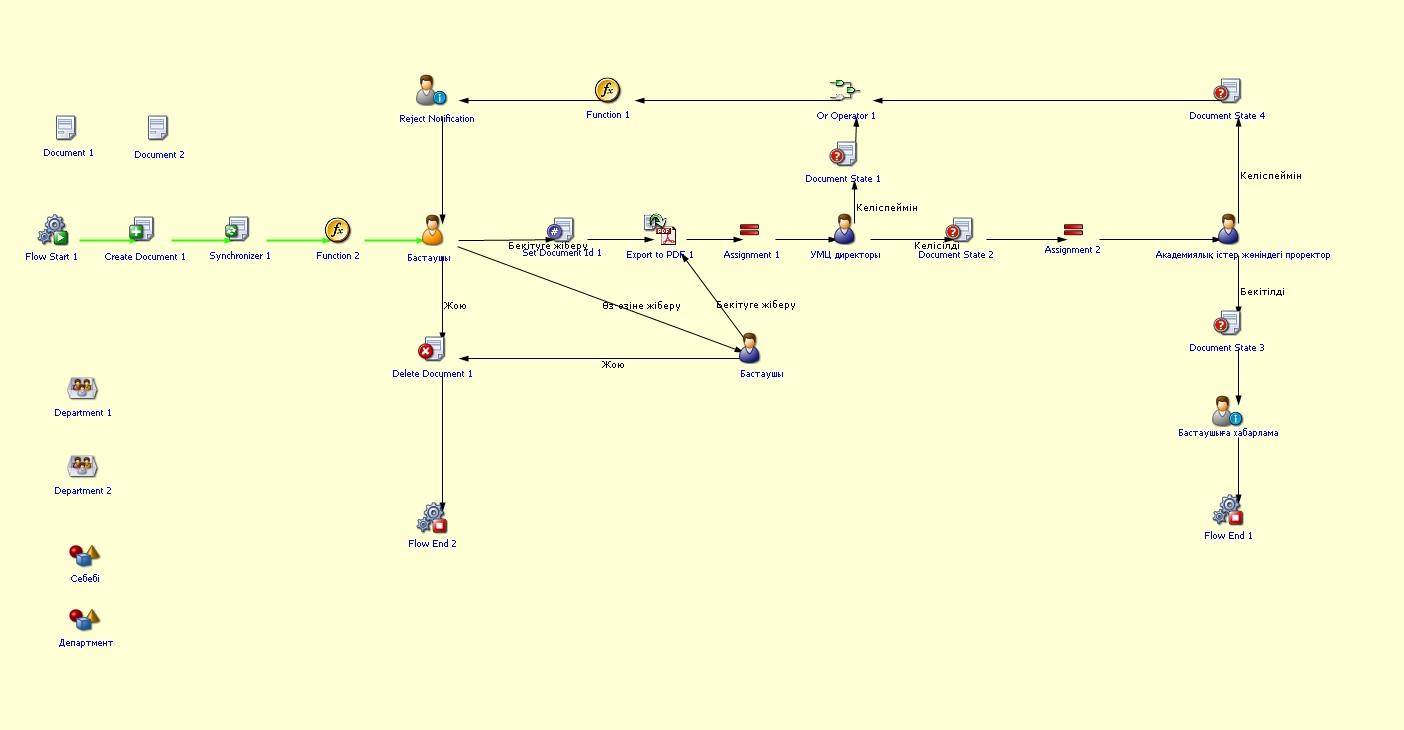
You can view the process workflow in the section below.
For all inquiries, you can submit a request through helpdesk.sdu.edu.kz ➝ "Submit a ticket" ➝ "BPM" or contact us via email at dms@sdu.edu.kz!