
Delegation
Төменде «DMS жүйесі арқылы Өкілеттік қалдыру» бойынша қадамдық нұсқаулар берілген:
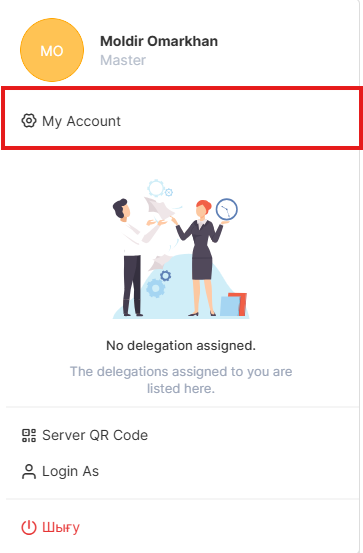
1. Go to dms.sdu.edu.kz, navigate "My account" page
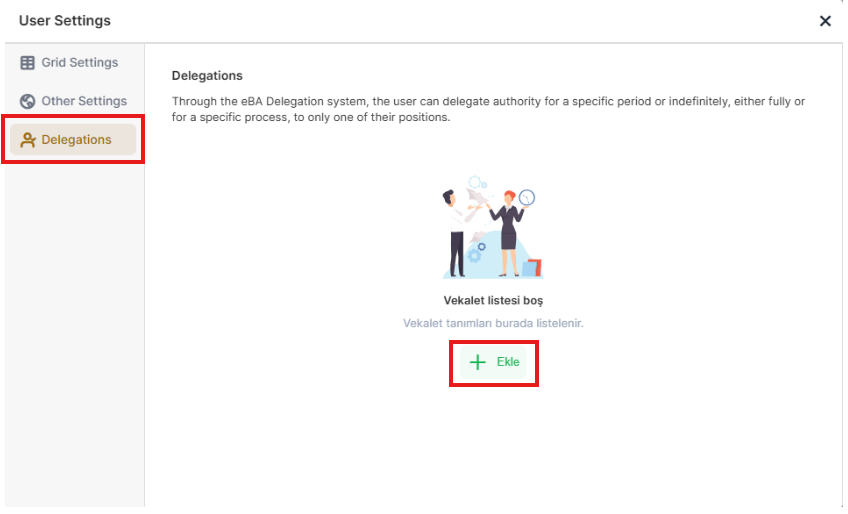
2. Select Delegations and "+Ekle".
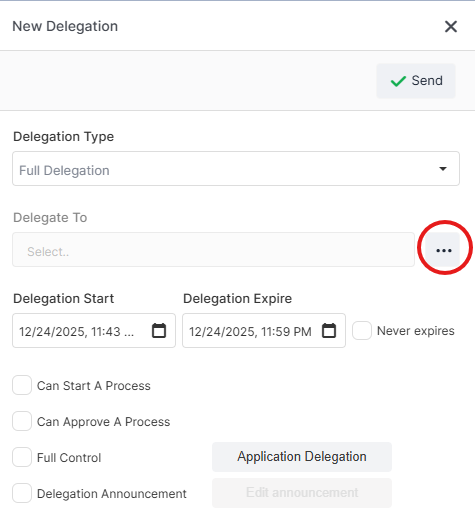
3. Select Delegate To:
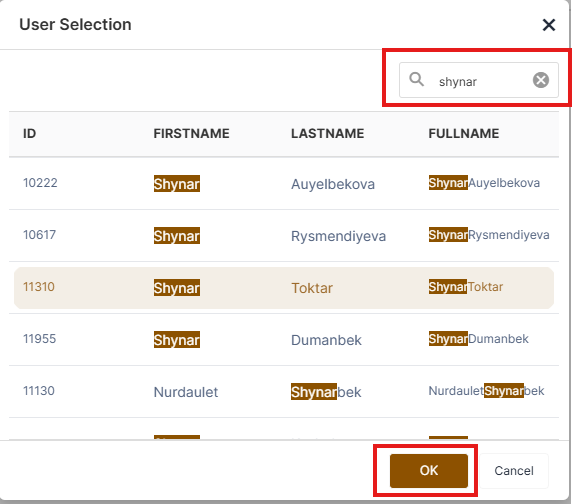
4. You can find the required person using the search button, select person, and click the "OK" button.
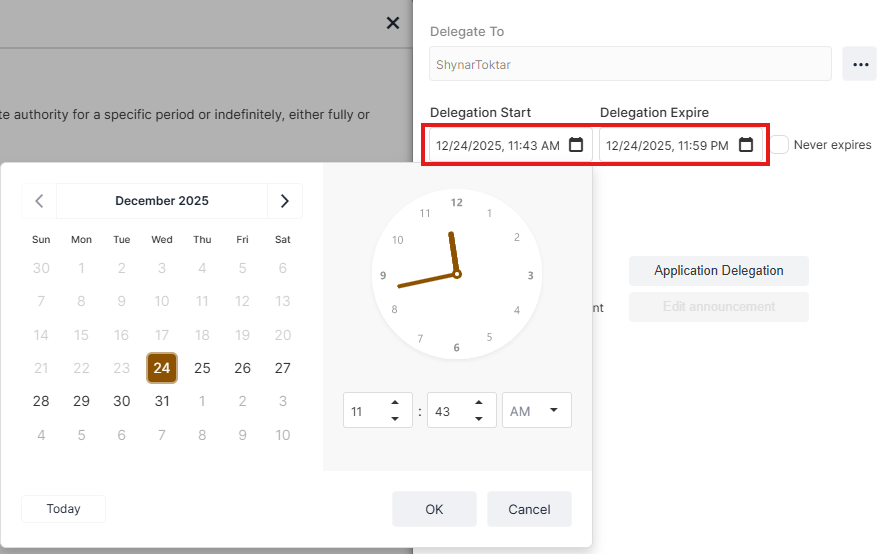
5. Select Delegation start and end date:
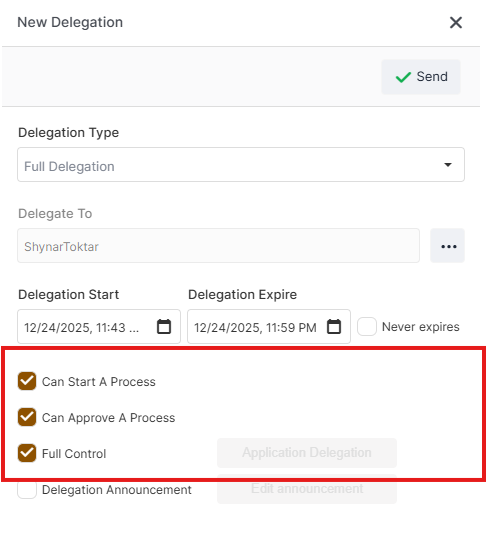
6. Choose needed functions
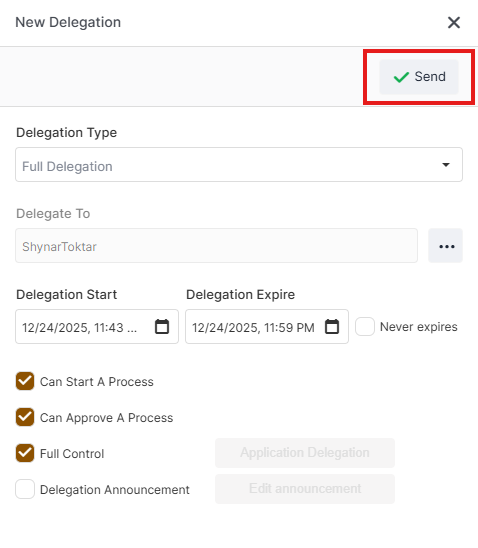
7. Send button saves the Delegation
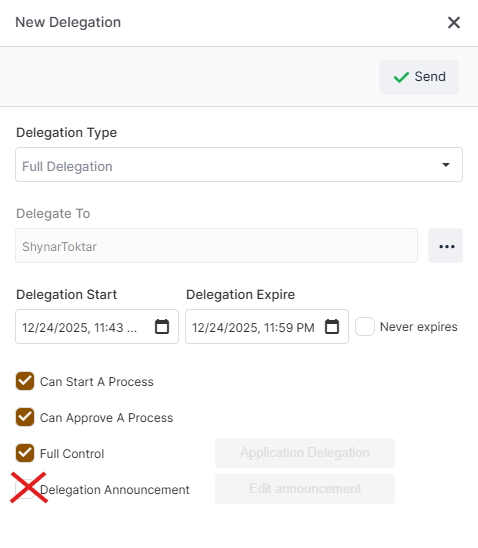
- There is no need to select the "Delegation Announcement" button shown below!
For any questions, you can submit a request via helpdesk.sdu.edu.kz ➝ Submit a ticket ➝ BPM or email us at dms@sdu.edu.kz