# SDU student's application for grade entry in the portal
##### **Process purpose and use cases**
This process is used for submitting an application to enter grades in the academic portal for SDU students who have arrived through an exchange program.
#### **How can I initiate the SDU student's application for grade entry in the portal process in the DMS system?**
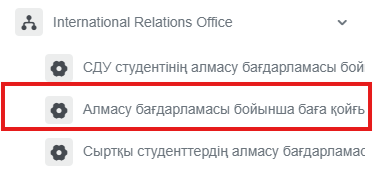
1. Go to [dms.sdu.edu.kz](http://bpm.sdu.edu.kz/), navigate to the "**Start Process**" section, and proceed to **International Relations Office ➝ СДУ студентінің порталға баға қойғызу өтініші / SDU student's application for grade entry in the portal** process**.**
[](https://wiki.sdu.edu.kz/uploads/images/gallery/2026-01/sXSimage.png)
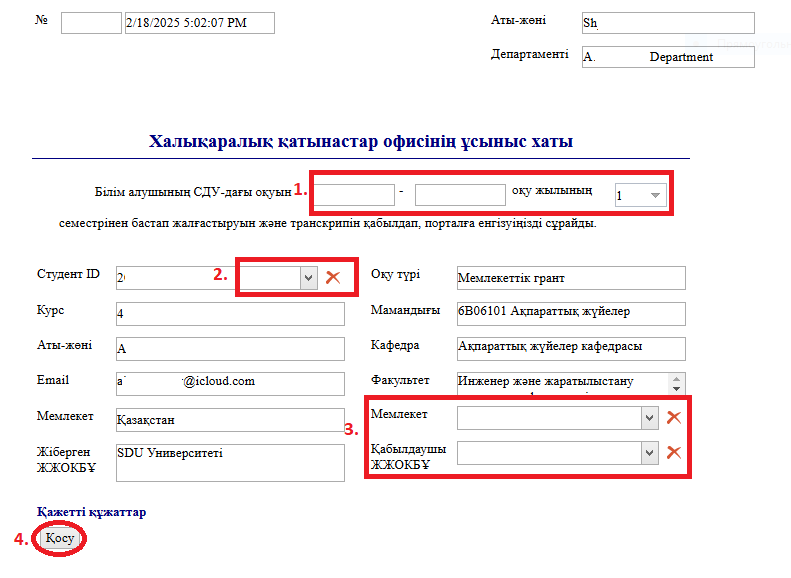
2\. 1) Fill in the fields.
2\) When you click the button in the "**Студент ID / Student ID**" column and enter the student's **ID** number or **full name** in the opened window, the remaining fields will be filled in automatically.
3\) Fill in the fields.
4\) In the window that opens when you click the "Қосу" — "Add" button, you can attach the necessary application to the categories on the left.
[](https://wiki.sdu.edu.kz/uploads/images/gallery/2025-03/OT8image.png)
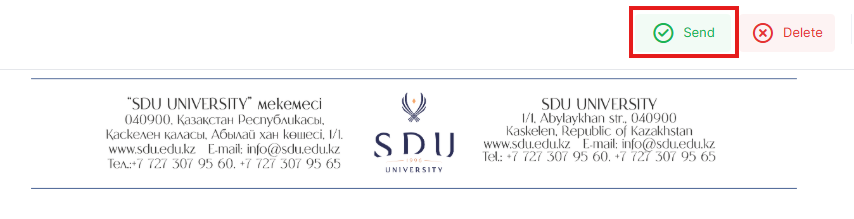
3. Once the required information is provided, click the "**Жіберу / Send**" button.
[](https://wiki.sdu.edu.kz/uploads/images/gallery/2026-01/CVCimage.png)
##### **Process guidelines**
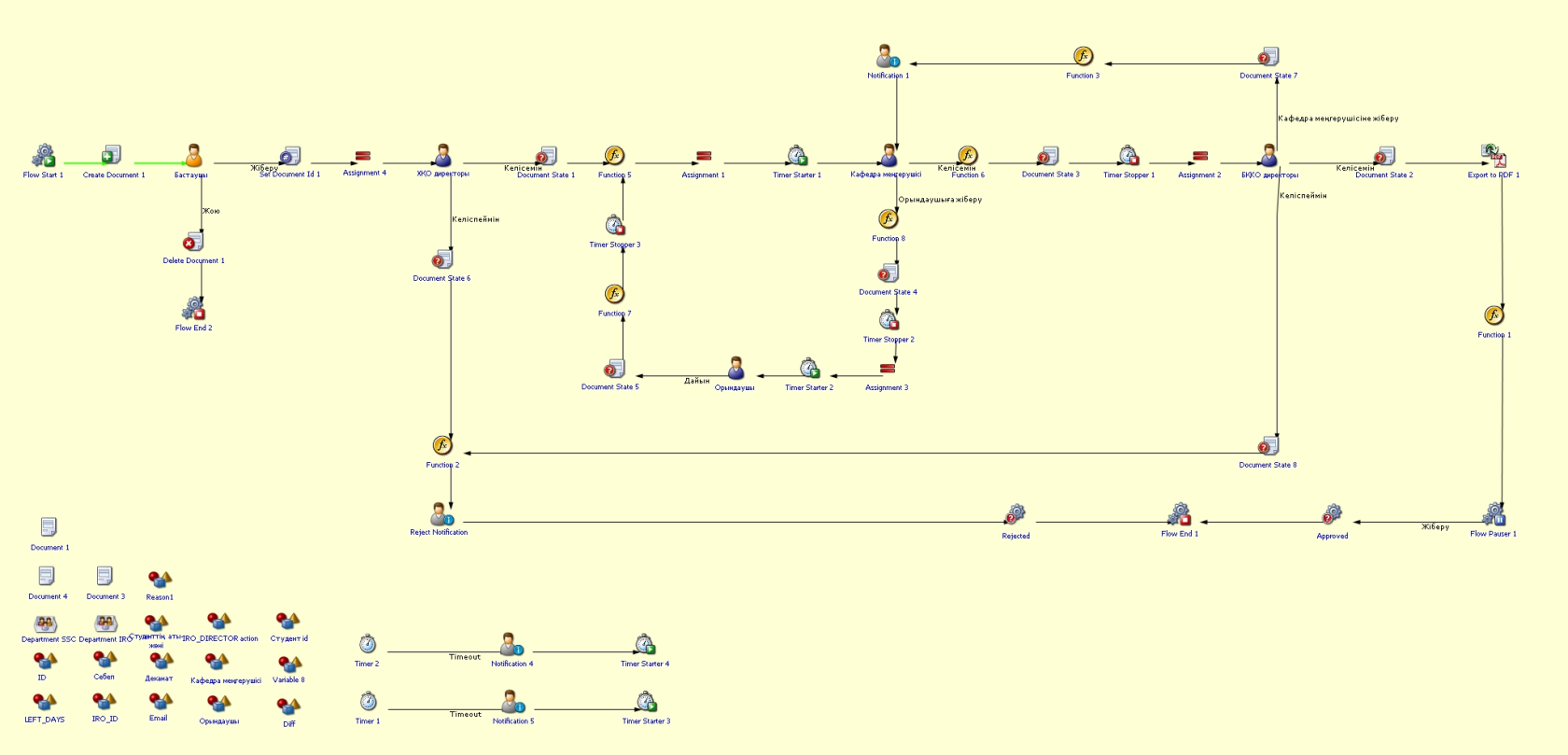
You can view the process workflow in the section below.
[](https://wiki.sdu.edu.kz/uploads/images/gallery/2025-03/ZHbimage.png)
**For all inquiries, you can submit a request through [helpdesk.sdu.edu.kz](http://helpdesk.sdu.edu.kz/) ➝ "Submit a ticket" ➝ "BPM" or contact us via email at !**