Position changes
Process purpose and use cases
This process is used to formalize and approve personnel changes within the organization. It applies in the following cases:
- Changes in an employee’s position (promotion, demotion, or transfer to another department)
- Changes in an employee’s working conditions (contract renewal, salary adjustment, etc.)
- Temporary or permanent appointment to another position
- Approval of personnel changes due to internal structural modifications
This process is implemented to efficiently manage HR processes, properly allocate workforce resources, and ensure timely updates of employee records.
How can I initiate the Position changes process in the DMS system?
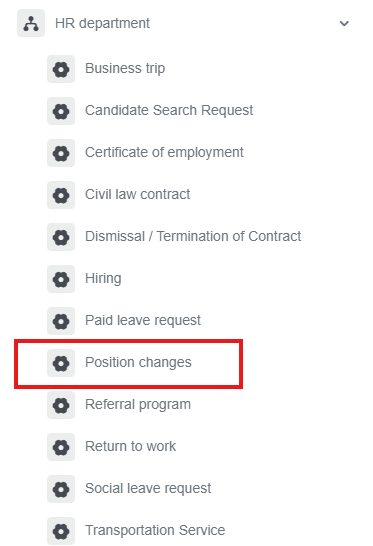
1. Go to dms.sdu.edu.kz, navigate to the "Start Process" section, and proceed to HR Department ➝ Position changes process.
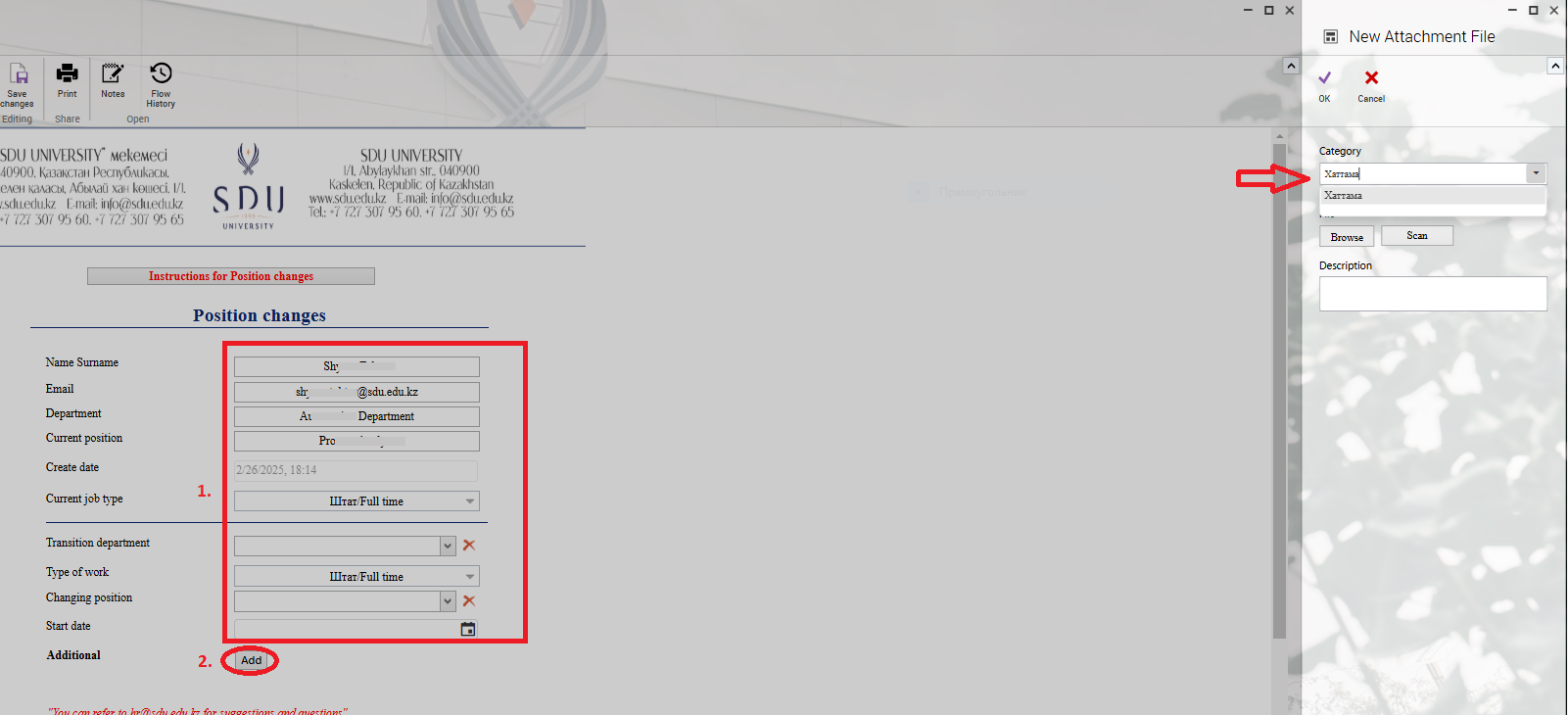
2. 1) Fill out the form with information about your current and new position.
2) When you click the "Add" button, a new window will open where you need to attach the protocol.
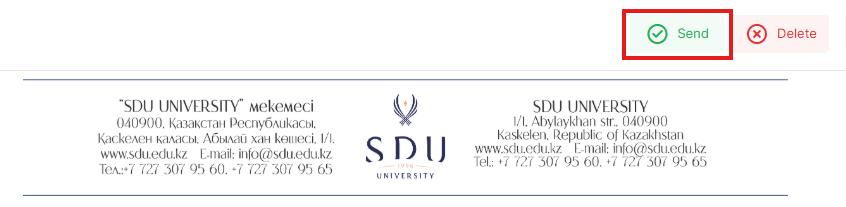
3. Once the required information is provided, click the "Send" button.
Process guidelines
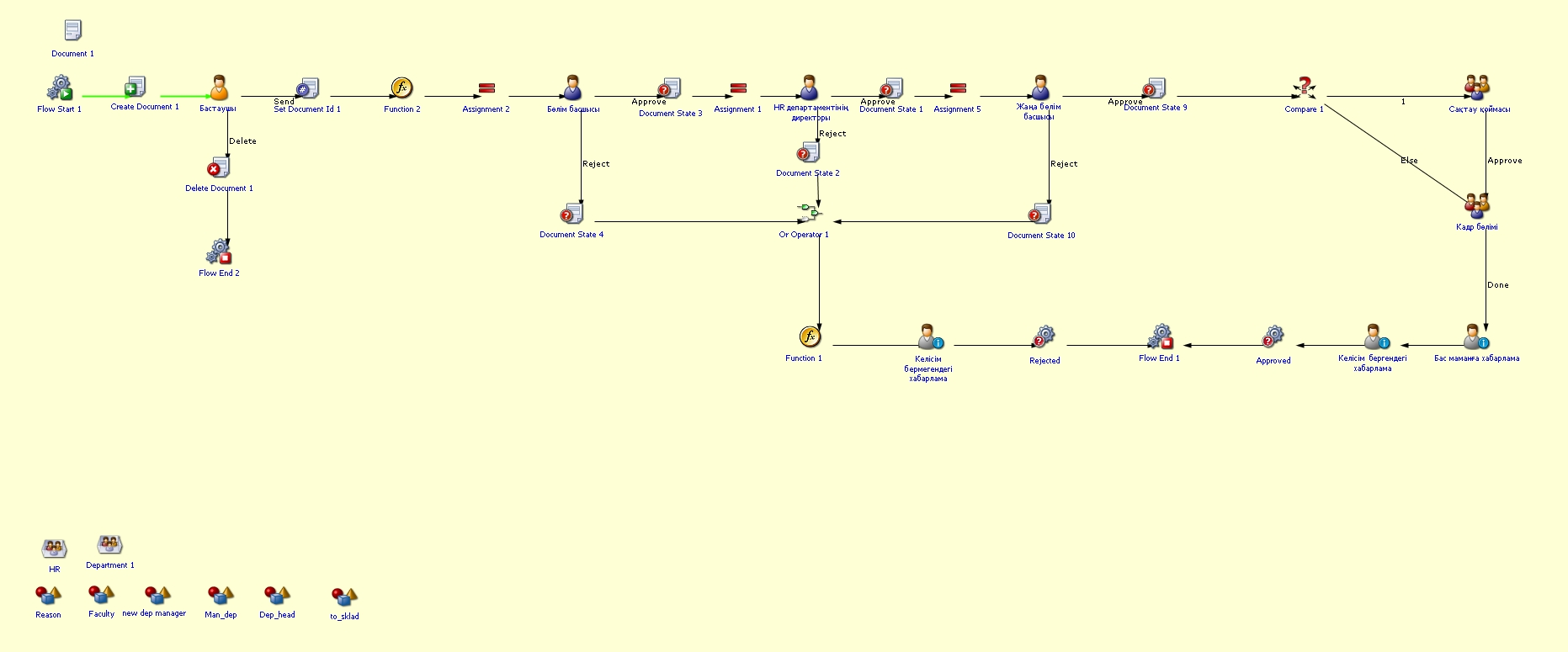
You can view the process workflow in the section below.
For all inquiries, you can submit a request through helpdesk.sdu.edu.kz ➝ "Submit a ticket" ➝ "BPM" or contact us via email at dms@sdu.edu.kz!