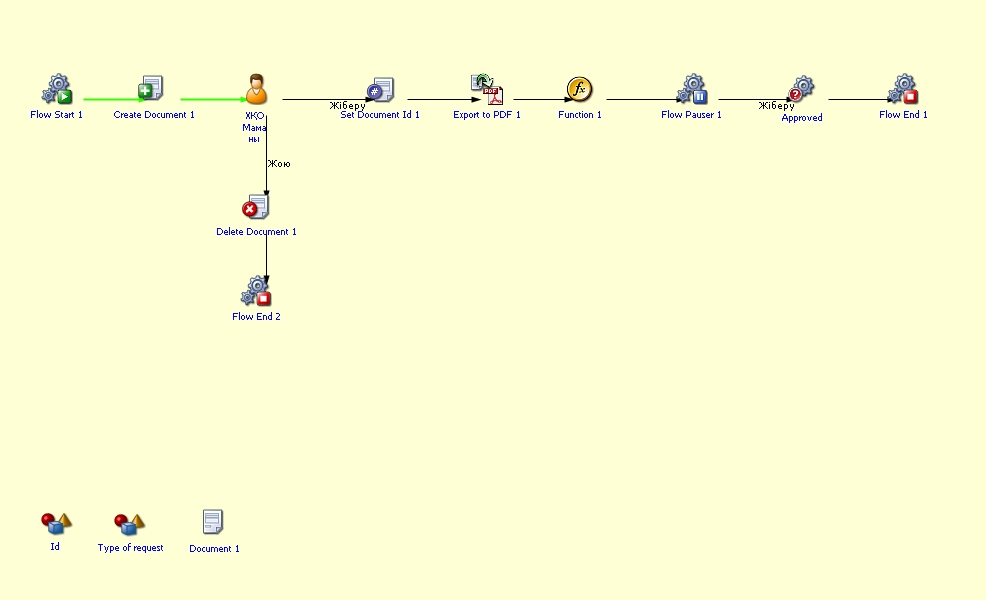
Халықаралық қатынастар-International Relations Office
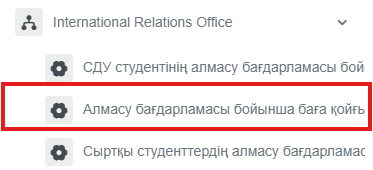
- Алмасу бағдарламасы бойынша баға қойғызу өтініші
- SDU student's application for grade entry in the portal
- СДУ студентінің алмасу бағдарламасы бойынша кету өтініші
- SDU student's application for participation in the exchange program
- Сыртқы студенттердің алмасу бағдарламасымен келуі/кету
- Arrival/departure of external students under the exchange program
Алмасу бағдарламасы бойынша баға қойғызу өтініші
Процестің мақсаты және қолданылу жағдайлары
Қалай DMS жүйесінде Алмасу бағдарламасы бойынша баға қойғызу өтініші үдерісін бастай аламын?
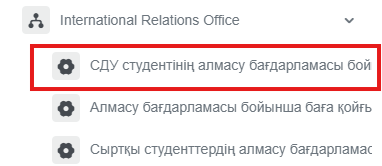
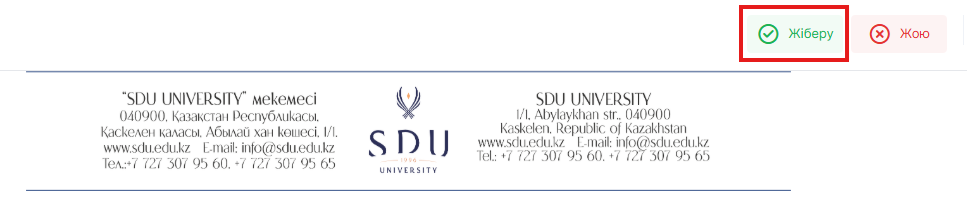
SDU student's application for grade entry in the portal
Process purpose and use cases
This process is used for submitting an application to enter grades in the academic portal for SDU students who have arrived through an exchange program.
How can I initiate the SDU student's application for grade entry in the portal process in the DMS system?
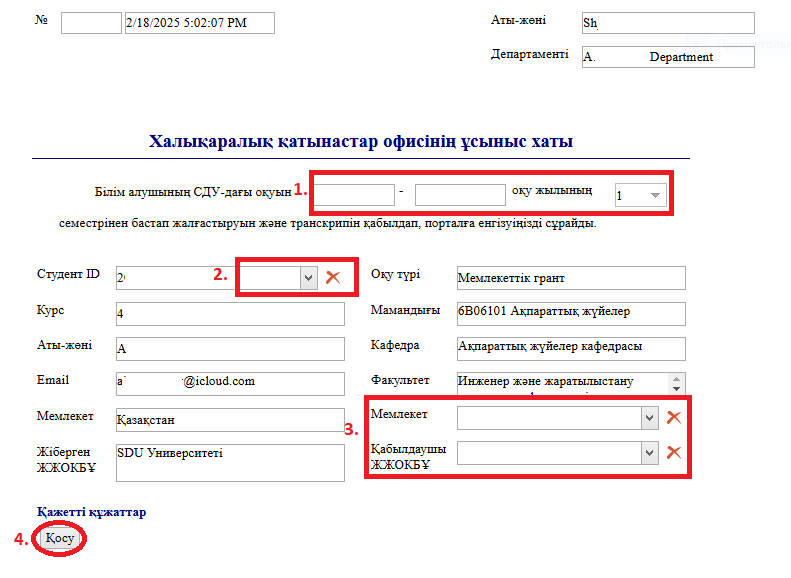
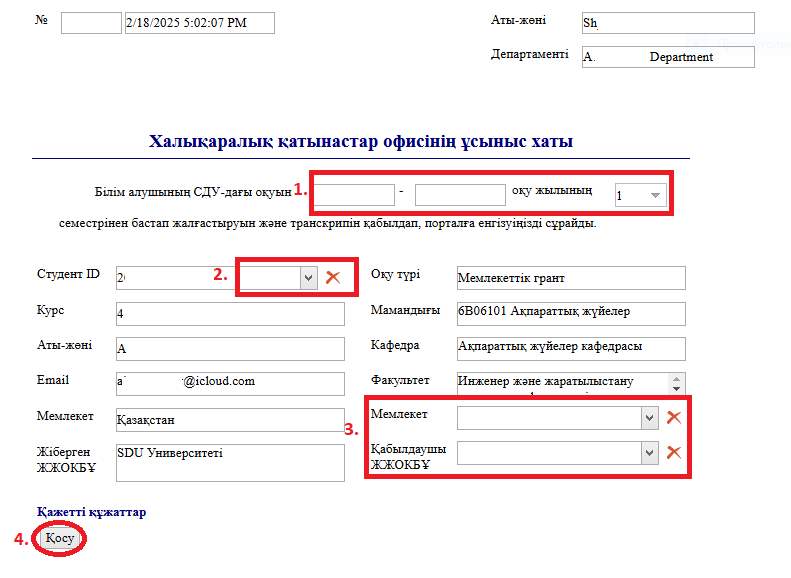
2. 1) Fill in the fields.
2) When you click the button in the "Студент ID / Student ID" column and enter the student's ID number or full name in the opened window, the remaining fields will be filled in automatically.
3) Fill in the fields.
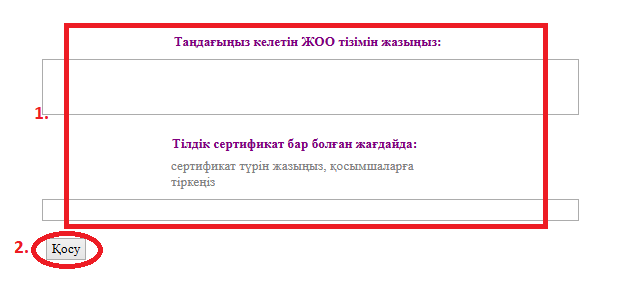
4) In the window that opens when you click the "Қосу" — "Add" button, you can attach the necessary application to the categories on the left.
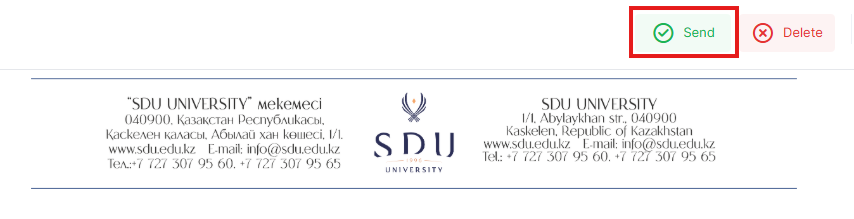
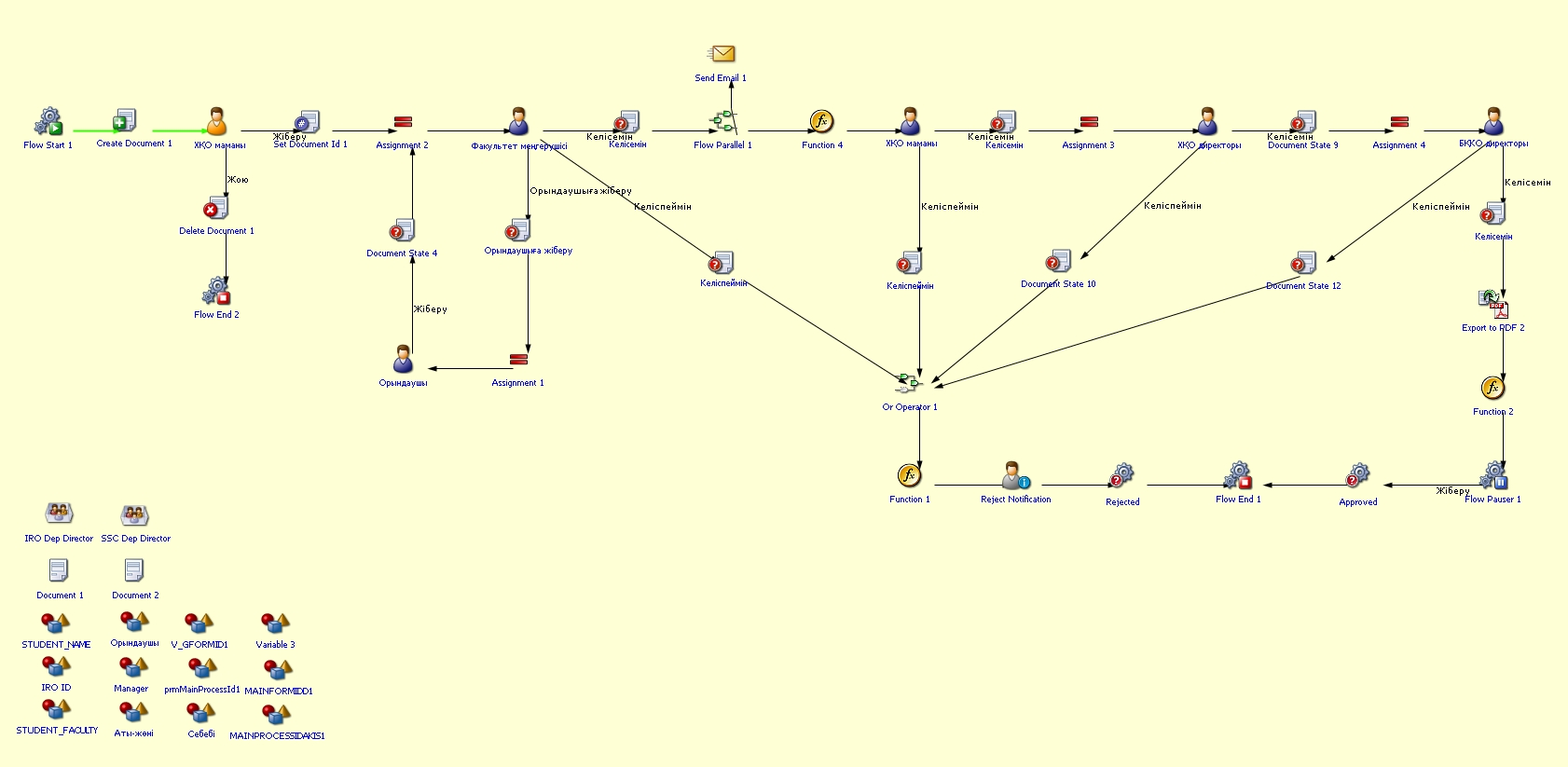
Process guidelines
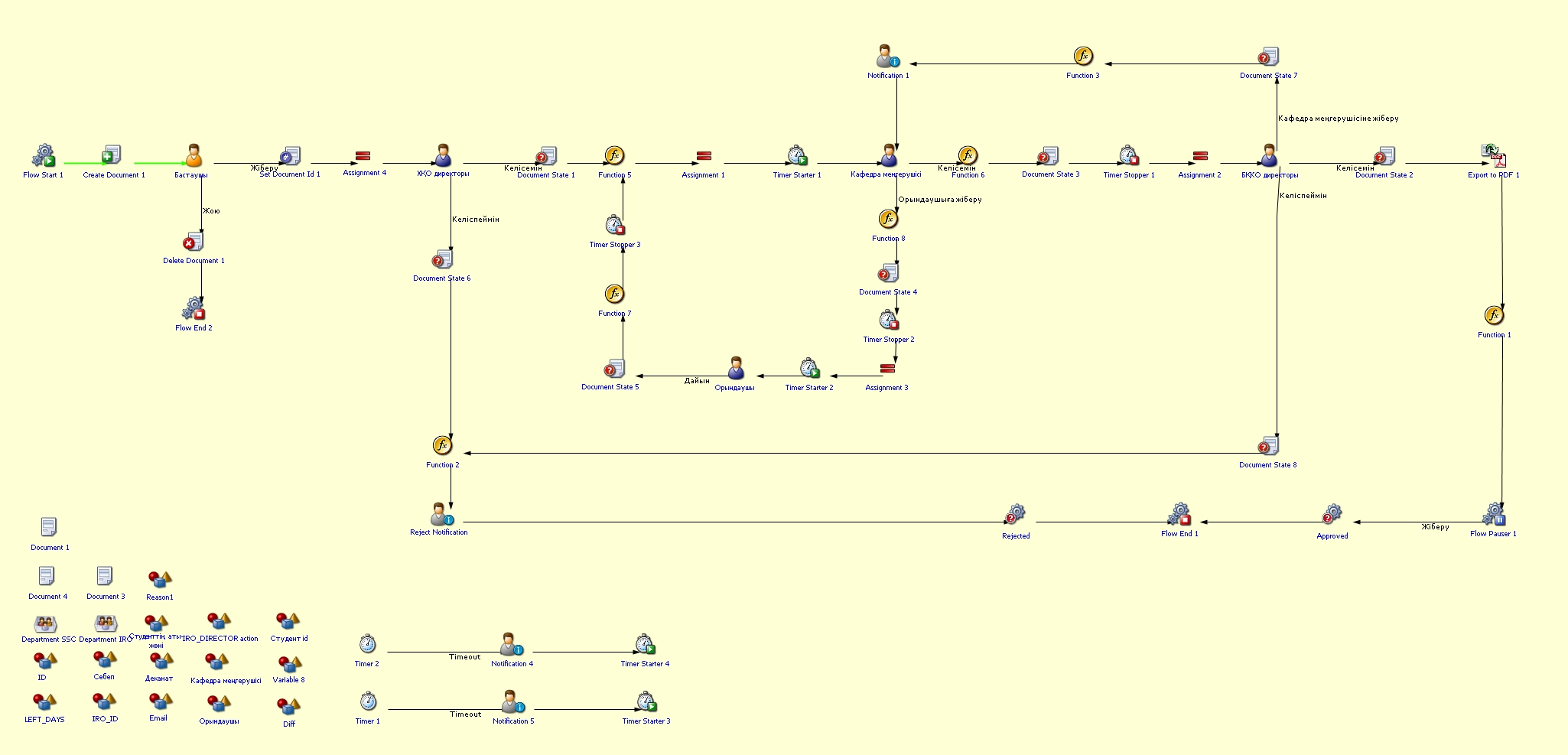
СДУ студентінің алмасу бағдарламасы бойынша кету өтініші
Процестің мақсаты және қолданылу жағдайлары
- Студент алмасу бағдарламасы аясында басқа университетте білім алуға қабылданған кезде
- Университет тарапынан академиялық және әкімшілік рәсімдерді реттеу мақсатында
- Студенттің мәртебесін уақытша тоқтату немесе өзгертуді рәсімдеу үшін
Қалай DMS жүйесінде СДУ студентінің алмасу бағдарламасы бойынша кету өтініші үдерісін бастай аламын?
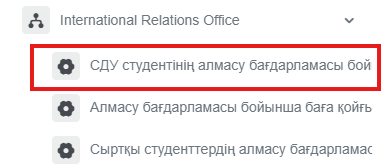
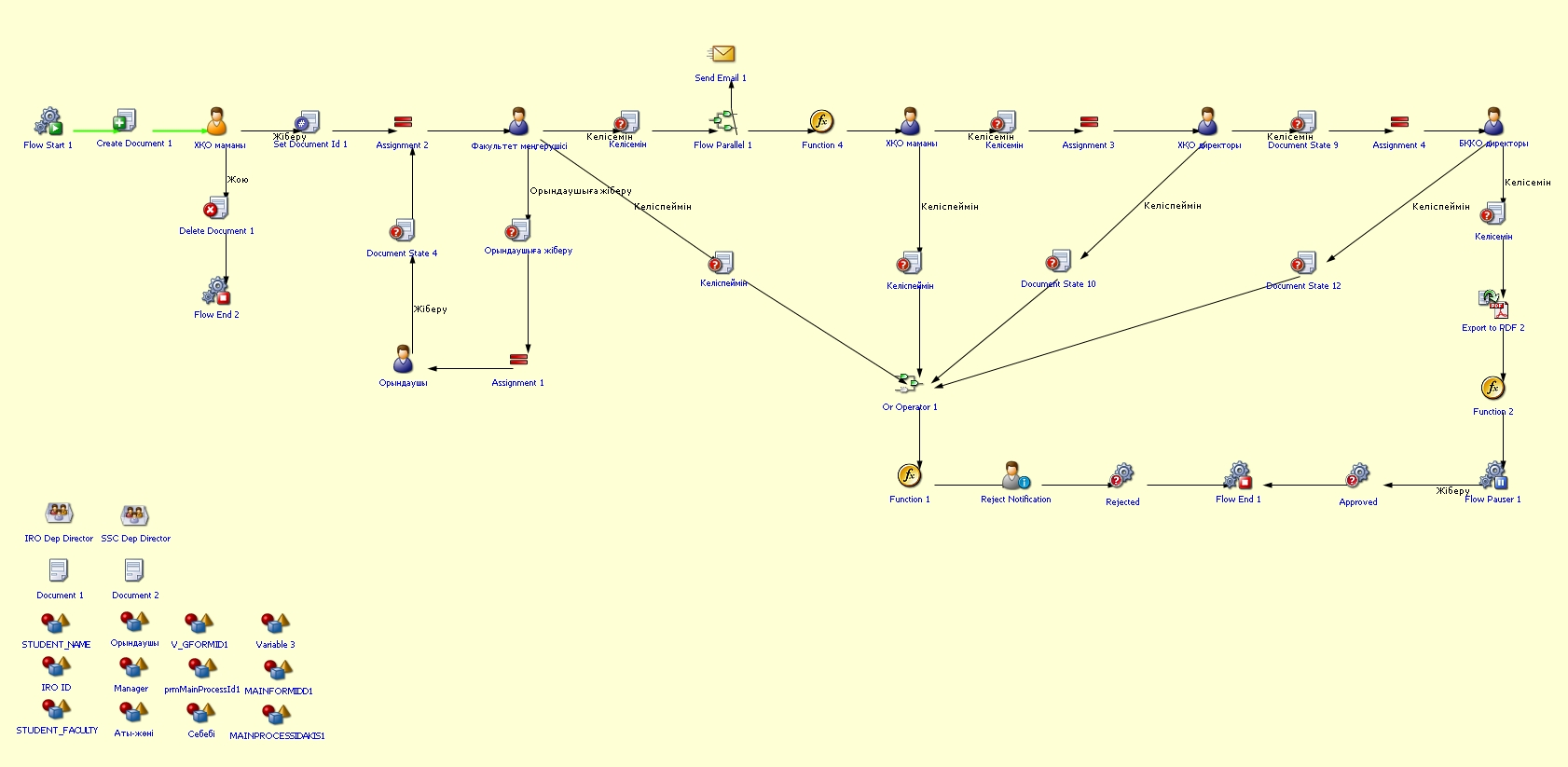
SDU student's application for participation in the exchange program
Process purpose and use cases
This process is used to officially formalize the departure of SDU students to a foreign higher education institution under the exchange program.
Use cases:
- When a student is accepted to study at another university under the exchange program
- To regulate academic and administrative procedures on behalf of the university
- To process the temporary suspension or modification of the student’s status
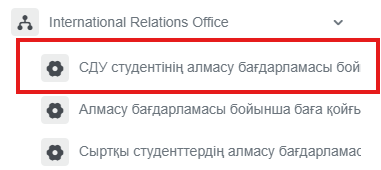
How can I initiate the SDU student's application for participation in the exchange program process in the DMSsystem?
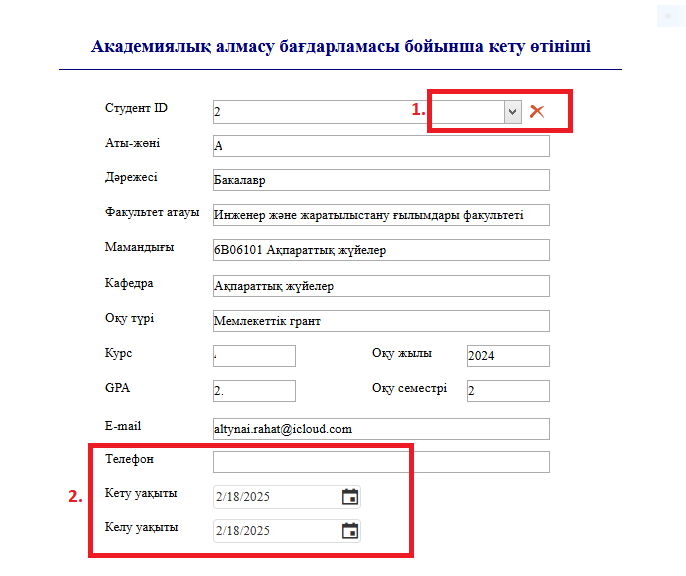
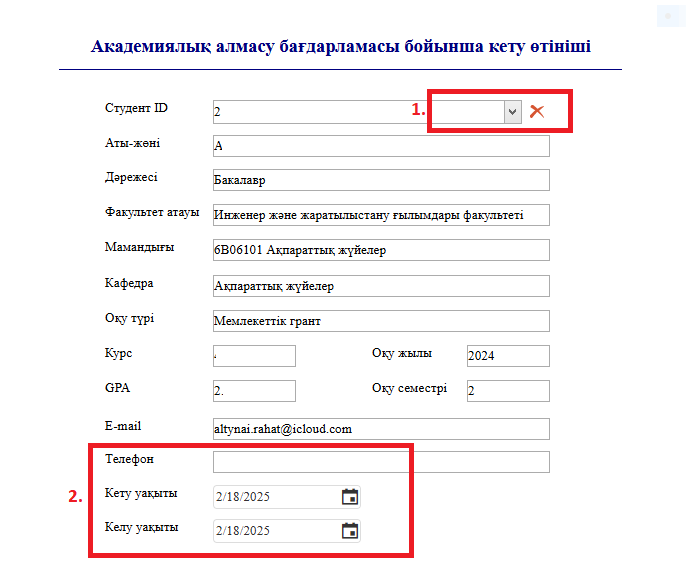
2. 1) When you click the button in the "Студент ID / Student ID" column and enter the student's ID number or full name in the opened window, the remaining fields will be filled in automatically.
2) Fill in the fields.
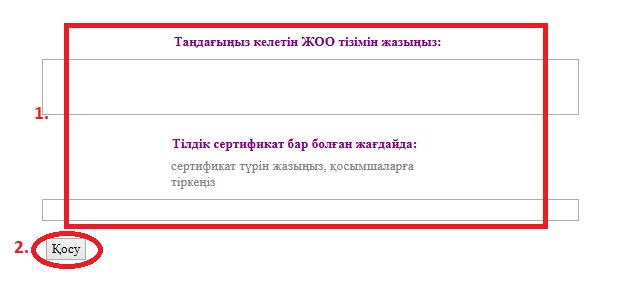
3. 1) Fill in the fields.
2) In the window that opens when you click the "Қосу" — "Add" button, you can attach the necessary application to the categories on the left.
Process guidelines
Сыртқы студенттердің алмасу бағдарламасымен келуі/кету
Процестің мақсаты және қолданылу жағдайлары
- Сыртқы студент СДУ-да алмасу бағдарламасы бойынша келген кезде
- Академиялық және әкімшілік рәсімдерді реттеу мақсатында
Қалай DMS жүйесінде Сыртқы студенттердің алмасу бағдарламасымен келуі/кетуі үдерісін бастай аламын?
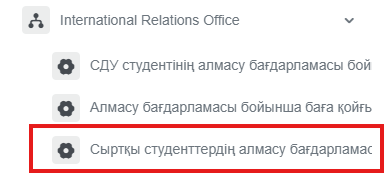
Arrival/departure of external students under the exchange program
Process purpose and use cases
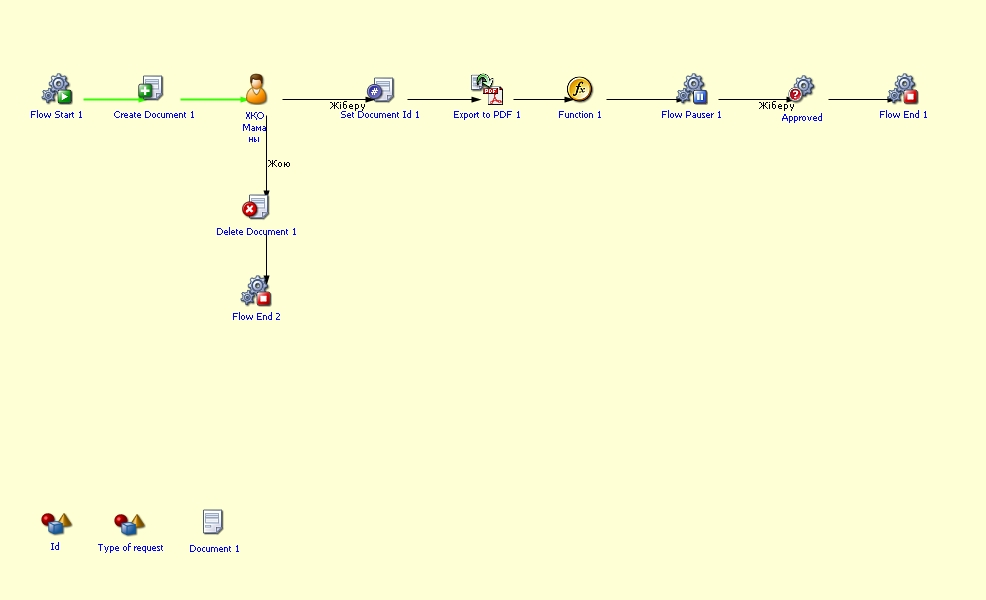
This process is used to officially formalize the arrival/departure of external students under the exchange program at SDU.
Use cases:
- When an external student arrives at SDU under the exchange program
- To regulate academic and administrative procedures
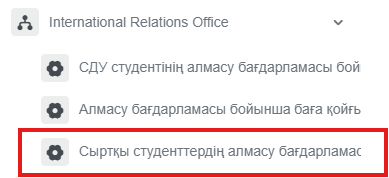
How can I initiate the Arrival/departure of external students under the exchange program process in the DMS system?
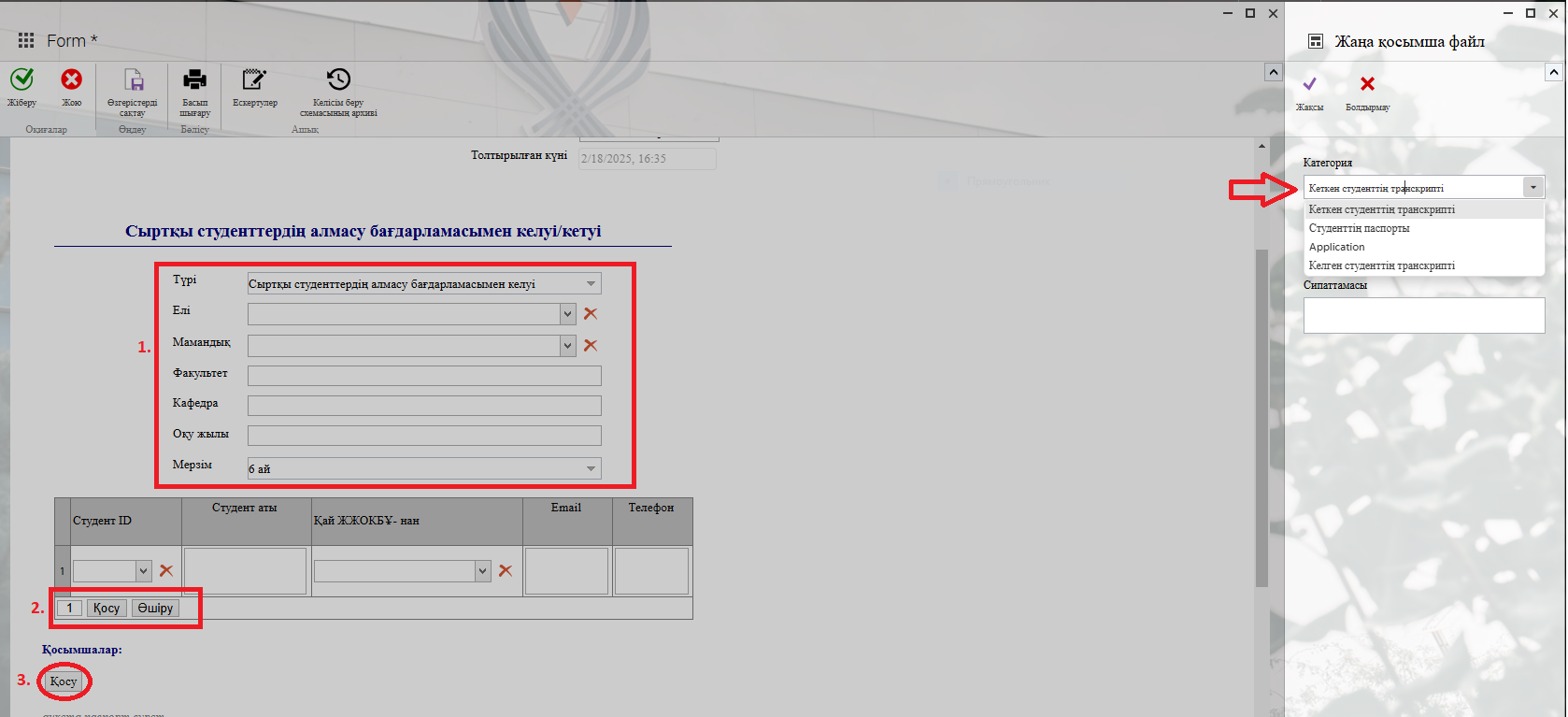
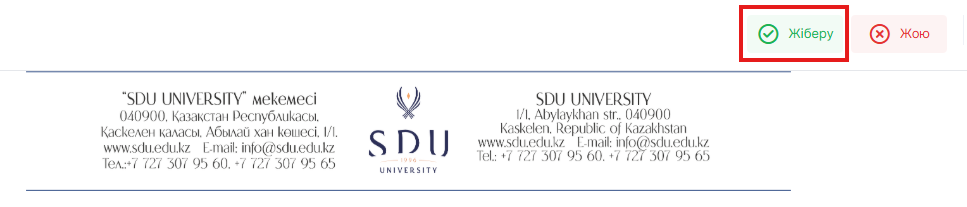
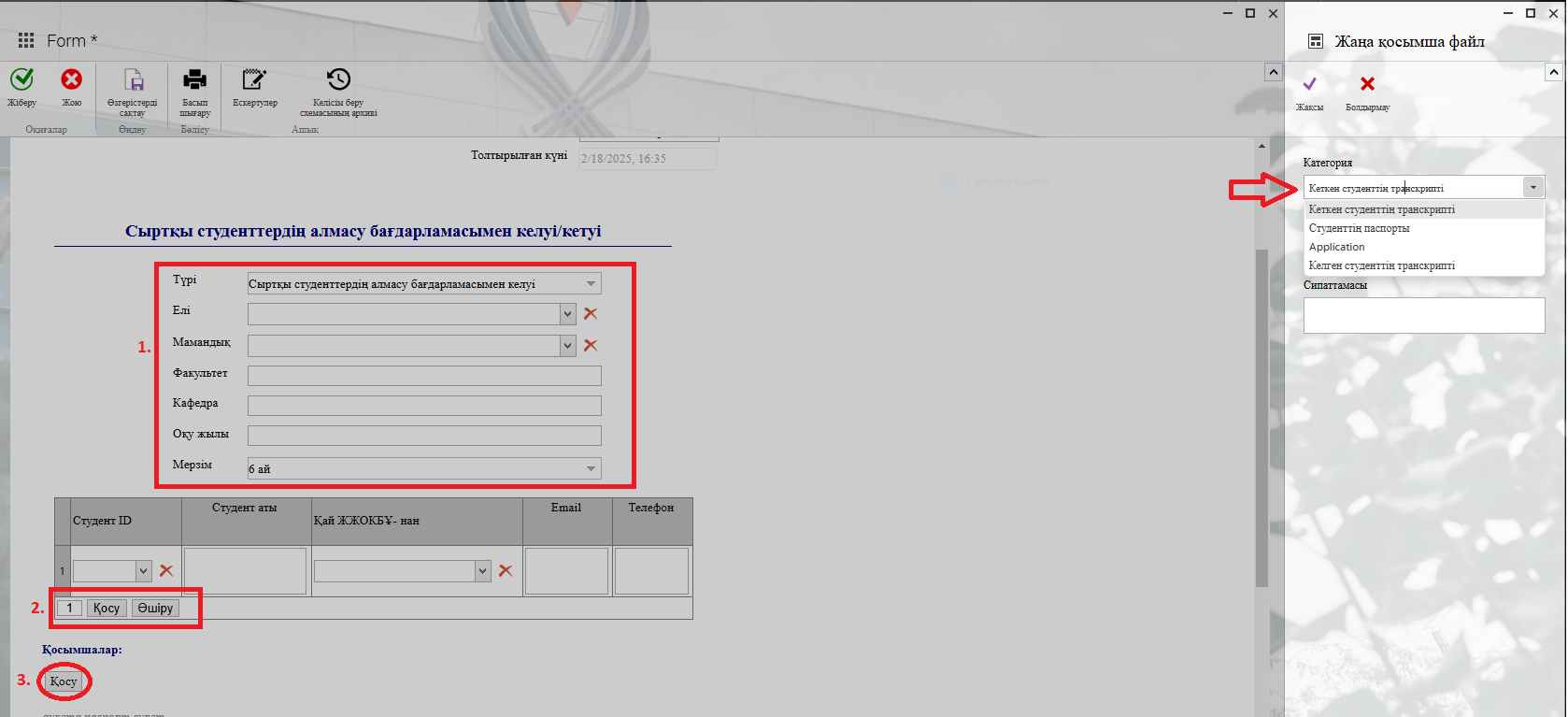
2. 1) Fill in the fields.
2) You need to fill in the required rows in the table. If necessary, you can add new columns or remove unnecessary ones.
3) In the window that opens when you click the "Қосу" — "Add" button, you can attach the necessary application to the categories on the left.
Process guidelines